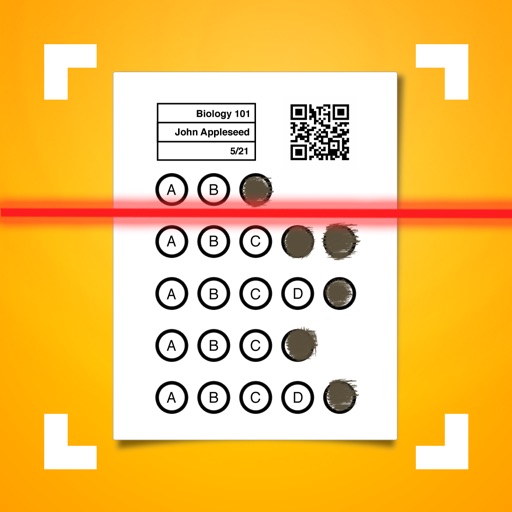
Allows users to create classes and configure assessment answers. It automatically grades bubble sheets and displays scores in real time. Export data to XLS or CSV, sync with Google Classroom, and integrate with .
By clocking in and out with a tap. Log multiple jobs and calculate earnings. View daily schedules and manage billable . Set reminders for entries. Export logs and sync across devices.
Create tasks and manage projects with customizable workflows. Track business processes and organize data in a visual interface. Handle documents, spreadsheets, and databases within a single platform.
Batch QR Scanner detects and scans multiple QR codes and barcodes at once. Users can view detailed data cards, manage scan history, and export results as CSV or PDF. Relevant options are provided to organize scanned information.
Create and edit customizable with photo attachments and report printing. Organize accounts, projects, expenses, inventory, and recipes in one . Sync across devices using iCloud, Dropbox, WebDAV, and Nearby Sync.
Capture notes instantly by copying or pasting snippets from your library. Create dynamic templates with variables like dates and counters. Build hierarchical note trees using drag-and-drop. Search across all workspaces quickly.
The app provides 115 spreadsheet templates for Apple's Numbers application. These templates cover various categories and include pre-filled formulas and conditional formatting for user convenience.
Manage player positions and batting order using drag-and-drop features. Activate or deactivate players. Track positions played and print lineup counts. Generate printable lineups and diagrams.