Scan and password protect documents directly on iOS. Encrypt files and set passwords to PDFs. Share documents while maintaining encryption. Automatically detect document borders for accurate scanning. Manually adjust scans as needed.
by Suraj Thomas★ 4.749 ratingsBusinessFreeData updated 2026-09-25
Scan physical documents to create high-quality PDF files. Edit and annotate scanned documents. Organize files into folders. Share documents via email or cloud services. Convert scanned pages into editable text.
Into high-quality images or PDFs. Automatically detect and notes, business cards, and more. Extract text with OCR support in multiple languages. Share scanned files directly via email or messaging apps.
The app encrypts PDF documents to reduce the risk of distributing confidential information. It can also merge multiple PDF files into one and modify PDF metadata like title, author, and keywords.
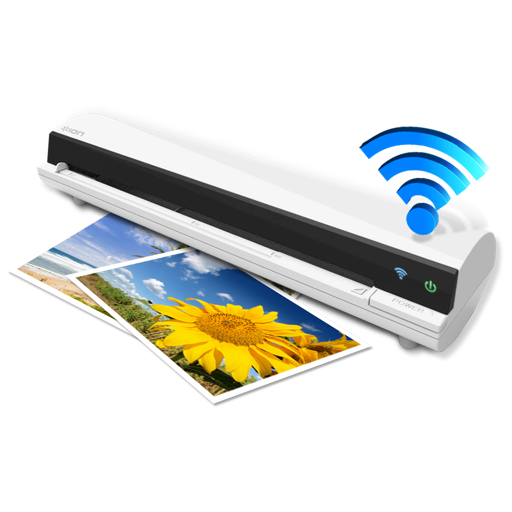
The app works with the ION Air Copy hardware, a portable Wi-Fi scanner. It scans photos, receipts, business cards, notes, and documents up to US Legal size directly to a Mac, then shares them via email or social networking.
Scan and email documents, receipts, notes, and whiteboards. Convert scans to JPEG or PDF. Merge multiple scans into one PDF. files via Dropbox or Email.