Create and edit beats using samples and sequencer programming. Tap pads or use advanced controls for sound shaping. Build complex sequences and customize rhythms. Export projects and share beats directly.
The app provides a quick and easy way to create beats using inbuilt or imported sounds. Its pattern editor sequencer allows for simple drag-and-drop rhythm tweaking.
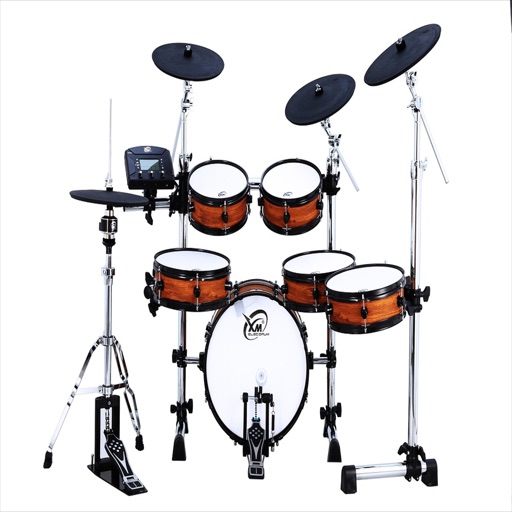
Drums lets users select from three drummers with distinct styles. Adjust jam level and intensity using a 2D slider. Save mixer and effects settings for each sound bank. Toggle ride/hats and cross stick/snare options.
Play drums using taps on the screen. Choose from various drum kits and rhythms. Adjust volume and effects. Save and share performances. Sync with external audio devices.
Collect parts to create songs. Tap to select beats and arrange them in sequence. Use range and speed gates to control rhythm and timing. Save and share completed compositions.
Record high-quality uncompressed WAV using a built-in microphone or connected Shure microphone. Edit recordings with trim, split, fade curves, and markers. Save files in compressed formats. Adjust gain up to 36 dB and use preset or custom modes.
Design monsters by selecting heads, eyes, mouths, body shapes, and accessories. Mix and match parts to create unique characters. Customize with hats, glasses, and other items to personalize the appearance. Save and share created monsters.
Control instruments with multi-touch gestures. Adjust parameters in real-time. Route audio and MIDI signals. Access transport controls and mixer functions. Perform live using touch-based input. Sync with Pro or GarageBand on Mac.
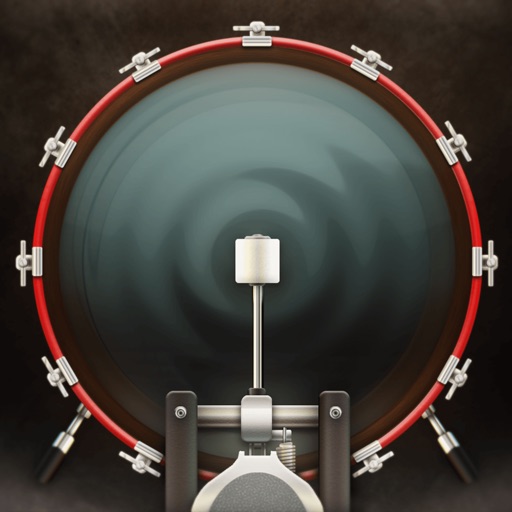
The app provides a stereo drum kit for live performances. Users can play the kick drum with their foot using a second iOS device and standard Bluetooth.
Real-time with customizable effects and export options. Users can import from playlists or files, select from four visual packages with eight visuals each, and adjust settings for each visual. Export visuals and share on social media.