Turn photos into GIFs by selecting from a variety of animations. Choose from options like extreme anger, sly smile, and epic slap. Share the resulting GIFs directly with friends. Edit and customize animations before sharing.
Create -themed collages using 100+ available frames. Add text with customizable fonts and colors. Adjust opacity and rotate images. Select photos from gallery or camera. Apply effects to enhance visuals.
APPAS SOLUTIONS, SOCIETATEA CU RASPUNDERE LIMITATA
Zoom in, capture, share videos
Take photos and record videos with high-quality zoom. Manually or automatically adjust focus and exposure. Use continuous flash for low-light recording. Export zoomed content for sharing.
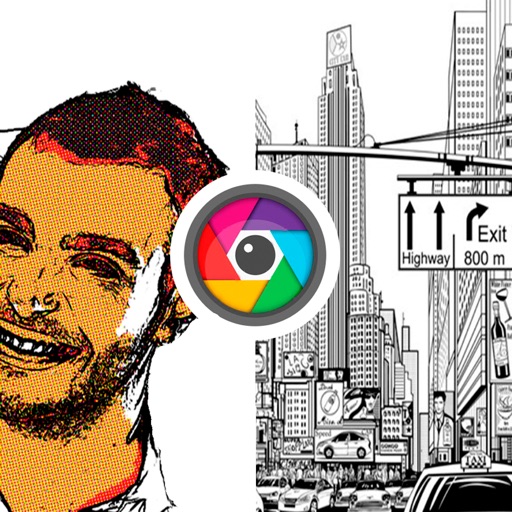
Edit photos with vintage effects, artistic filters, and professional adjustment tools. Crop, resize, and enhance images. Add text and stickers. Export in multiple formats and share directly. No registration, ads, or watermarks.
Select names randomly from comments, likes, or both. Choose multiple winners and tag them. Record giveaways optionally. No login required and supports unlimited comments without extra charges.
Record gameplay and screens with one tap. Add reactions via face cam or voice . Edit clips by trimming, rotating, adjusting speed, and combining with other footage. Share directly to YouTube and Instagram without leaving the .
Add effects to photos with a variety of special effects and customization options. Include elements like hair and energy balls. Overlay your face onto characters. Share edited photos directly with friends.
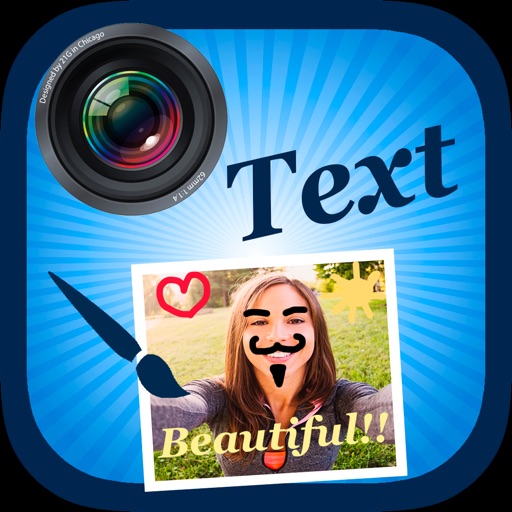
Edit by selecting from the gallery or taking a new photo. Adjust images to a square format. Add text with customizable fonts, colors, and borders. Move, rotate, and scale text. on with finger input.
Capture smiles, take multiple photos automatically
Capture photos automatically when smiling using advanced face and smile detection. Take up to 3 selfies with 1-second intervals. View, compare, and save photos. Apply effects to each image. Save to Camera Roll.
Record audio or video while playing an instrument or singing. Combine multiple recordings into a single track. Export the final video to the photo album and share it with others.
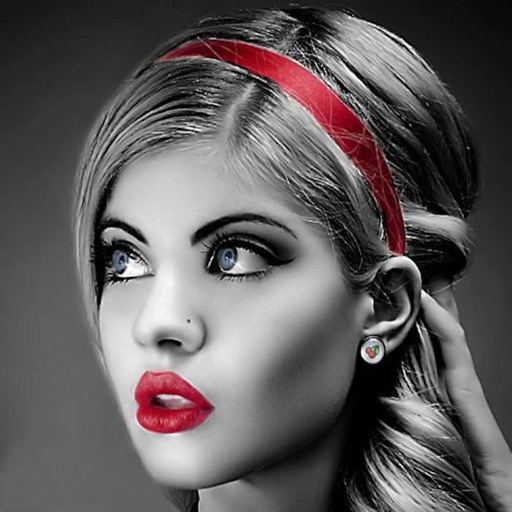
Edit photos with selective effects using gesture controls. Zoom and pan to adjust splash areas. Convert parts of the image to grayscale while keeping selected regions in full . Export edited photos directly.
Take black and white photos with live preview. Use colored lens filters and professional conversion filters. Adjust contrast, brightness, and exposure in real time. Add film grain and black vignetting.