Edit photos with , , and AI cutout tools. Apply neon, glitch, and overlay . Add doodles, artistic text, and fun stickers. Share edited photos directly to Instagram, WhatsApp, Facebook, and Messenger.
Arthur Eduardo Skaetta Alvarez Desenvolvimento de Software LTDA.
Blur backgrounds, enhance portraits
Edit photos with blur and AI-powered segmentation to isolate subjects. Apply multiple blur effects and adjust settings for precise results. Export edited images in various formats and share directly.
Edit screenshots with redact, highlight, underline, strike, blur, blend, and pixel tools. Create and customize screenshots with notes, text overlays, GIFs, and device mockups. Adjust shadows and fillets for precise styling.
Create and edit videos with effects, pixelation, or blurring. Highlight specific segments or use a magnifying glass for close-ups. Annotate videos with boxes and share edited content directly.
Apply bokeh, disc, Gaussian, morphology gradient, motion, or zoom blur effects to images. Adjust colors and enhance or remove them for improved visuals. Export edited images in various formats.
Remove unwanted parts of photos using AI-powered erasing. Add colors or images to create new backgrounds. Crop, draw over, and undo edits. Zoom for precision and blur edges. Save and share edited photos.
The app provides tools for photo editing and stop-motion video creation. Users can capture or load photos, apply effects, and arrange them to build stop-motion and time-lapse videos.
Edit photos and videos by automatically recognizing and processing backgrounds. Choose from four recognition methods including transparency, blur, and replacement. Process only the subject or apply effects like fluffy, mosaic, monochrome, or sepia.
Editor allows users to apply , , and selective effects. They can adjust intensity and select areas to . The includes retro, 35mm, and analog filters for image enhancement. Users can crop, rotate, and adjust brightness and contrast.
Select and organize photos from memory cards, external SSDs, or folders. Use AI to identify sharpness, closed eyes, duplicates, facial expressions, and movement. Sort and filter images directly on iPhone or iPad.
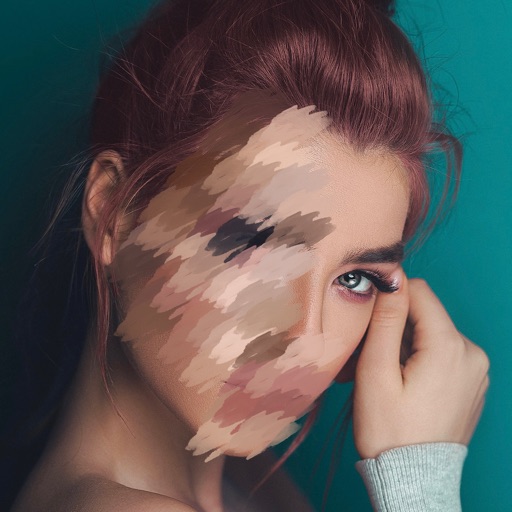
Add , emojis, or pixelation to hide faces in photos. Automatically detect faces and apply chosen effects. Choose from fun stickers or privacy-focused filters. Edit and save modified images directly.