Create with customizable themes and text styling options including font, size, color, and formatting. Add checkable lists for task tracking and unordered lists. Choose from available themes or request new ones.
by Masaki Yoshihisa★ 4.87,852 ratingsProductivityFreeData updated 2026-09-24
Write on images using built-in fonts, backgrounds, and colors or upload custom fonts. Save images as editable documents for reuse. Undo and redo changes. Sync across iPhone, iPod Touch, and iPad.
Create personal journals with customizable backgrounds and stickers. Add handwritten notes and drawings using a paintbrush tool. Edit entries quickly with flexible formatting options. Share completed journals with a single tap.
The app allows users to create notes, diaries, and lists with cloud synchronization for access anywhere. It supports text, checklists, photos, images, and voice memos, with search and reminder functions available.
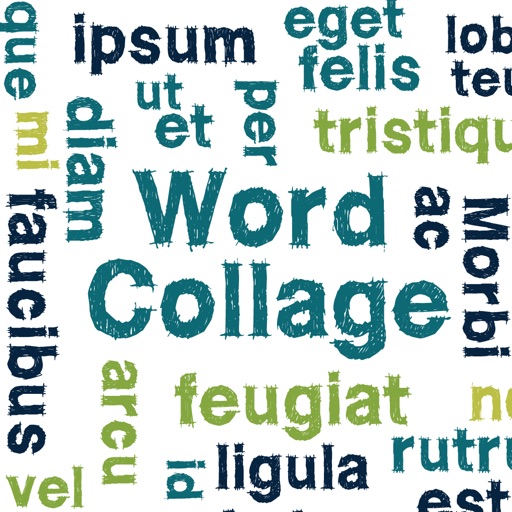
Create clouds by selecting color themes, fonts, and layouts. Choose from six layouts including horizontal, vertical, and half and half. Input text to generate clouds where common words appear larger.
Take notes using Markdown with formatting options like tables, lists, and images. Sync data across platforms via GitHub, Git server, or iCloud Drive. Create and manage for task organization. Use whiteboarding features to sketch and collaborate.
Leave quickly with one hand using on-screen buttons. Customize text , letter thickness, and background . Add from the lower screen edge or above the keyboard. No account required.
Create and edit with custom colors, fonts, and sizes. Record tasks, to-do lists, study plans, and shopping lists. Set as home screen widgets or lock screen. Add unlimited widgets.
Customize screens with animated effects and 3D wallpapers. Choose from pre-designed animations or create personalized styles. View progress with a modern, polished interface. Replace default visuals with dynamic, user-generated content.
Customize keyboard appearance with themes and fonts designed by professionals. Choose from various styles including cute illustrations and minimalist designs. Access 3600+ emojis and kaomoji for expressive communication.
The app helps users focus on adding and completing tasks with a simple interface. It offers features like quick task completion, recurring task automation, and secure data storage with passcode or Face ID protection.
Edit PDFs with text, image, and layout modifications. Read with AI summaries, highlights, and customizable themes. Annotate using highlights, notes, and sketches. Fill and sign forms interactively. Convert PDFs to Word, Excel, PPT, images, and TXT.
Create unlimited folders and notes. Customize font style and size. Flip in different directions. Read notes aloud. Count characters and words. Set deadlines and reminders. Use color coding and pin notes for quick access. Add widgets for easy access.