AI assistant helps users generate text, write essays, and create images. It supports brainstorming, document summarization, web searches, and creative writing. Users can chat naturally, set goals, and access tools for productivity and learning.
Scan surroundings using the device camera to create real-time 3D floorplans. Add measuring points to calculate distances, lengths, surfaces, and areas. Export plans with measurements in PDF format.
Track rock tumbling progress with step-by-step guidance and timers. Log materials, monitor tumbling stages, and receive alerts for completion. Access AI-powered rock identification and custom library management with a subscription.
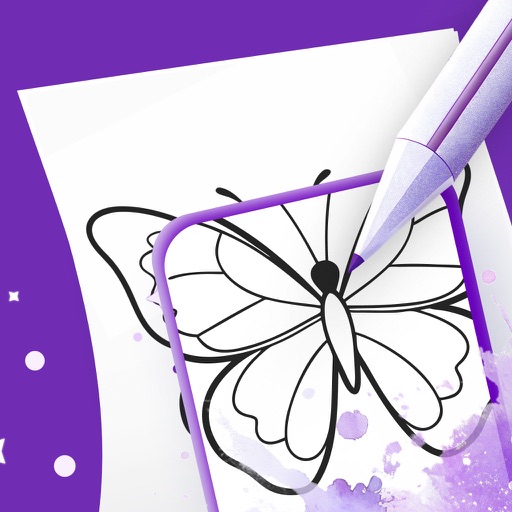
Use your phone camera to projected images on paper and add color. Choose from templates like animals, cars, and nature. Includes a built-in flashlight. Share finished drawings with friends.
GPS tracks current speed, distance, and altitude. Displays average and maximum speed. Shows speed limits in real time. Supports mph, km/h, and knots. Measures travel time and battery level. Works offline.
The app allows users to create animated GIFs from photos and videos. Users can edit existing GIFs or create new ones using stop-motion mode, then share them as files or links.
Connect with others to draw in real time. Create and share drawings instantly. Customize canvas with background photos. Place artwork on lock screen. Start sessions without accounts or personal data.
Create photos and videos using pre-designed templates. Add stickers and apply image effects. Choose from 37 themes. Combine videos with memes and popular audio tracks. Record and edit content with touch controls.
Create and customize animal characters for personal use. Use AI painting tools to generate images. Practice breathing meditation and psychological testing. Explore plot reasoning and time magic features to enhance emotional control and creativity.
Create drawings with Apple Pencil support. Use grid or lined backgrounds. over existing images. Save square images. Add widgets to showcase drawings on the home screen. Enable multitasking and multi-window features on iPadOS.
Two photos to create a double exposure effect. Adjust blending modes and positions to merge images. Apply filters and share results on social media platforms like Instagram and Facebook.
View satellite aerial images of your location with one-tap access. Zoom in up to 32x using full-sensor resolution for clear, detailed images. Capture and save high-quality photos with real-time zoom and stabilization.