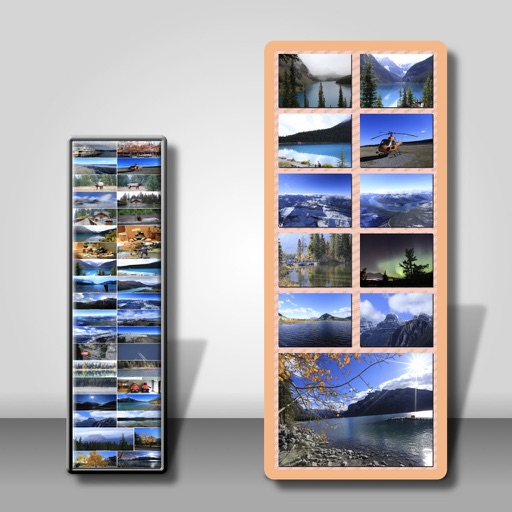
Photos to save storage space. Adjust JPG compression strength and image size reduction. single images, multiple files, or entire albums. Preview compressed results before saving.
Create social media posts by selecting up to 8 videos or images. Apply filters, add text, stickers, and animations. Customize templates for Instagram and Stories. Share directly to social platforms.
Create text designs with advanced typography tools. Choose fonts, adjust spacing, and align text for balanced layouts. Export as images or share directly. No design skills required.
Create diagrams such as flowcharts, mind maps, and floor plans. Use a rich shape library with preloaded templates. Drag and drop shapes to build diagrams. Support for multiple diagram types including UML and data flow diagrams.
Store and organize photos and videos with secure access options. Set PIN, alphanumeric, or gesture-based passwords. Create multiple user accounts for content segmentation. Enable SnoopStopper™ to prevent unauthorized access.
Resize and crop images for specific dimensions and resolutions. Adjust colors and metadata accurately. Batch process multiple files with customizable workflows. Export in various formats for social media, printing, or projects.
Create and manage scripts for video recording or live streaming. Scroll text smoothly for natural delivery. Record video directly within the . Stream live content with real-time text display.
Convert to PDF by selecting images and customizing layout, margin, page orientation, and paper size. Preview the PDF album before saving, sharing via email or SMS, or printing.
Create and edit photos and videos with text, stickers, logos, and elements. Add Arabic and English language support. posts, ads, event invitations, and animated stories. Sync with Apple Health.
Create large posters, banners, or wall art using a regular home printer. Choose between grid layout with fixed paper count or set exact dimensions for the . Print images or PDFs across multiple pages and assemble them into one large piece.