Rune keyboards allow users to input runes for English and German transcription. Each key reveals additional characters and symbols when pressed and held. Users can switch between Elder Futhark and Anglo-Saxon Futhork keyboards.
by Pierre Bongen★ 4.118 ratingsEducation$3.99Data updated 2026-09-23
The app provides extended keys for the Korean keyboard on iPhone and iPod. It includes arrow keys for faster text editing and dedicated keys for typing extended characters and quotation marks.
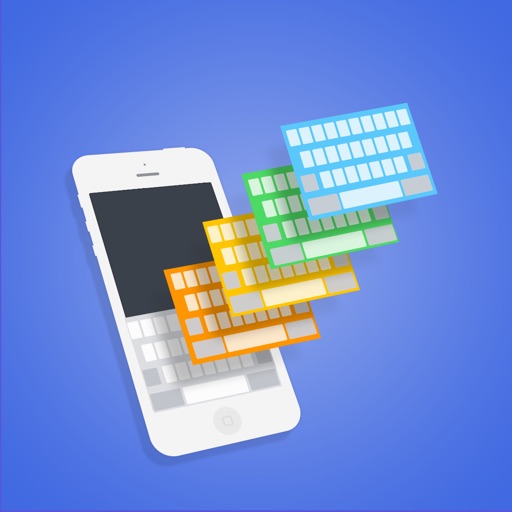
Type with customizable fonts and vibrant themes. Switch between keyboards instantly. Adjust layout and appearance for personalized typing experience. Add stickers and emojis for expressive communication. Share settings across devices.
The app introduces youngsters to computer keyboards. It allows children to find letters, words, and short sentences on their keyboards while having fun.
Create custom keyboards with personal designs. Access 12 instant keyboards and phrases with a single tap. Arrange numbers with associated punctuation. Input fractions from ⅛ to ⅞. Use single punctuation keys without shifting.
Perform calculations with arithmetic, SI and non-SI units, and physical constants. Support natural and SI units for scientific and everyday use. Evaluate expressions with functions like exp, arctan, and cosh.
The app offers unique keyboard themes inspired by real-life objects and imagination. Users can experience typing with distinct sounds and visuals, with more features planned.
Type across multiple languages with intelligent language detection and context-aware suggestions. Switch between keyboards instantly. Customize key layouts and themes. Enable predictive text and auto-correction. Share text snippets directly.
Type in with a customizable layout. Translate text between and English. Speak translated text aloud. Copy and paste text across apps. Switch between and English input modes.