
iPhone Screenshots

Description
Trigger macOS Shortcuts by physical device attachment or detachment.
Stecker detects USB peripherals, including keyboards, mice, hubs, drives, cameras, and microphones.
Stecker is very lightweight in memory and energy usage: It only acts on filtered system notifications - no repeated pulling of device status.
Example use cases:
- Plug audio equipment and start your podcasting software.
- Plug a USB hub and changes your focus mode to “Work”.
- Plug an ethernet adapter and disable Wi-Fi.
- Plug an external keyboard and run a shell script that changes the system keyboard layout.
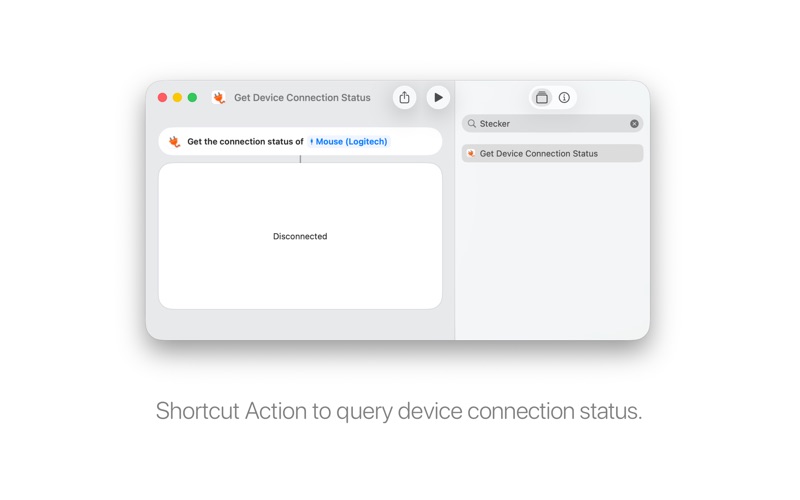
Stecker also provides a Shortcut Action "Get Device Connection Status" for the Shortcuts App which allows you to query if a selected device is connected or disconnected.