Explore chord diagrams for , mandola, and mandocello. Select chord root, type, and variation to view all possible voicings across 11 fretboard positions. Access over 8000 through the interface.
Access and scales for practice or reference. Look up and scales instantly. Play modes include chord look-up. Tune by ear feature available. Switch between right and left-handed layouts. View finger-friendly chord diagrams.
The app offers an interactive tool for learning accents and dialects. It includes native speaker recordings and a practice area to monitor progress and save audio samples.
Learn guitar and patterns through interactive exercises. Identify by touch or sight. Practice scales and chord shapes. Track progress and receive feedback during play. Sync with guitar input for real-time recognition.
The app displays music in ABC format, allowing users to import tunes from websites. Users can search for tunes by title, key, and time signature, then view and play them with various voices.
Create backing tracks by uploading songs and isolating instruments like vocals, drums, bass, and guitar. Adjust volume levels for each track. with tempo control, track time spent, and organize song lists for focused sessions.
The app offers virtual effects for instruments, including stomp box and rack mount effects, plus amp models and emulations. Users can audition and try effects before purchasing by connecting hardware via Bluetooth.
The app provides ultra-realistic acoustic pianos with studio-grade quality. Users can edit sounds with a 3-band EQ, save variations, and record performances as MIDI.
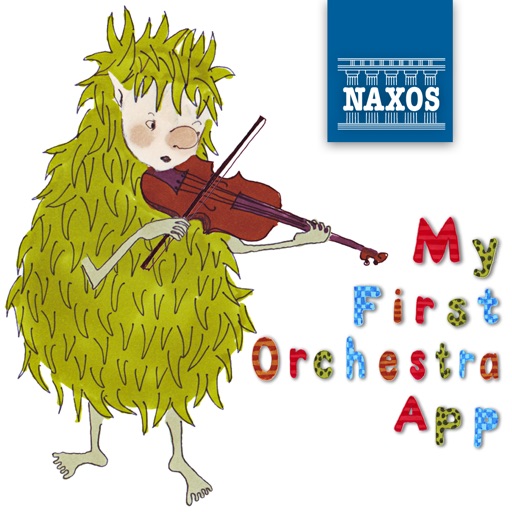
The app introduces children aged 4 and above to the orchestra with a guide named Tormod. Users can explore instruments, hear music extracts, and engage with animations and sound effects.