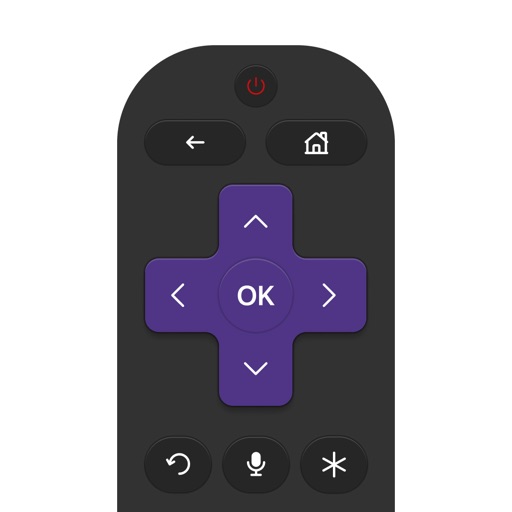
Control Roku TV with an iPhone as a . Connect via Wi-Fi to switch channels, adjust volume, launch apps, and use a touchpad and keyboard for typing. Access voice search for content lookup. One-tap setup on the same network.
TV functions like power, volume, and channel using your iPhone. Select from supported brands including Samsung, Roku, TCL, LG, and Sony. Pair with your TV via infrared or network connection. Adjust settings and manage playback directly from the .
Control TV power, volume, and channels via smartphone. Navigate using a built-in touchpad. Connect to multiple devices and manage settings remotely. Support for various TV brands and models. Adjust input sources and mute functions.
TV with touchpad navigation and swipe gestures. Access traditional buttons for precise . Manage multiple device brands and models. Navigate menus intuitively with on-screen touchpad.
Your device by connecting to the same Wi-Fi network as your iPhone or iPad. Switch channels, adjust volume, and launch streaming apps with one tap. Navigate smoothly and access favorite services instantly.
Devices from major TV brands with a remote. Turn devices on/off, navigate with a keyboard, manage TV apps, media players, adjust sound settings, and use a numeric keypad for channel input.
Control TV functions remotely via Wi-Fi network. Turn TV on/off, change channels, adjust volume, and manage playback. Includes touchpad and voice input for navigation. Replace lost without leaving home.
Stream video from iPhone or iPad to TV via screen mirroring. Send content to supported devices like Chromecast, Fire TV, and smart TVs from Samsung, LG, and others. Mirror content to computers and compatible streaming devices without needing AirPlay.
Control your Mac or Windows PC with an iPhone, iPad, or Apple Watch. Use as a trackpad, keyboard, or remote control. Perform actions with touch or motion gestures. Access a companion on Apple Watch for additional controls.
Control your TV with iPhone or iPad. Navigate menus and apps using a smart thumb pad. Connect via Wi-Fi for quick setup. Adjust volume, switch channels, power on/off, mute, and toggle inputs. View paired devices list.
Your smart TV with a mobile featuring a virtual keyboard, touchpad, and channel list. Find personalized recommendations using AI. Pair device with TV via Wi-Fi for remote operation.
Your Smart TV with volume adjustment, input switching, and channel navigation. Access a universal interface compatible with all major TV brands. Manage playback, power settings, and system menus directly from your smartphone.