Remote Control for Roku TV ◦
With your iPhone or iPad
AV PRO GROUP LTD
iPhone Screenshots


Description
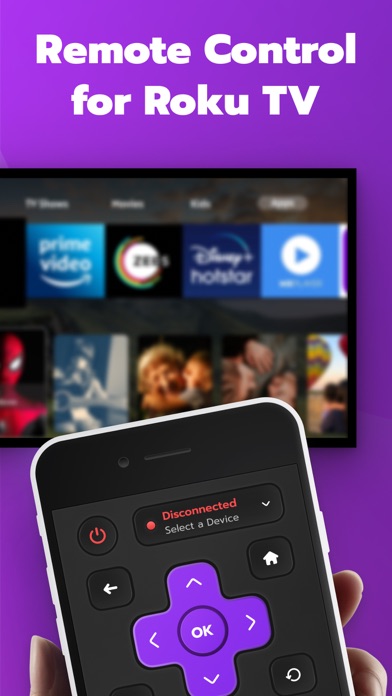
Your device by connecting to the same Wi-Fi network as your iPhone or iPad. Switch channels, adjust volume, and launch streaming apps with one tap. Navigate smoothly and access favorite services instantly.
Control your Roku with ease — right from your iPhone or iPad!
Turn your mobile device into a smart remote: switch channels, adjust the volume, launch your favorite apps and services — all in just one tap.
Features you’ll love:
- Quick and simple setup — connect your Roku and iPhone/iPad to the same Wi-Fi network
- Channel switching and volume control with smooth navigation
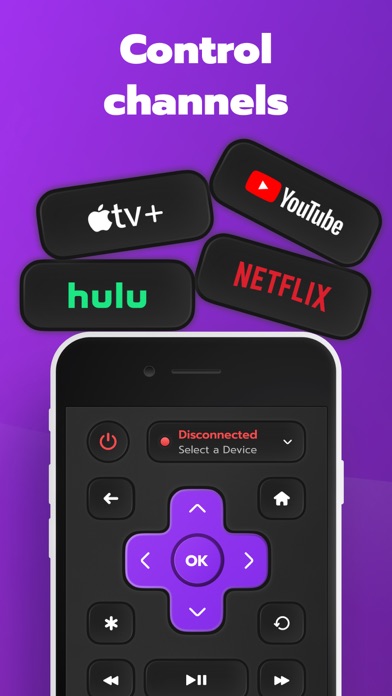
- Instant access to your favorite streaming services
- Easy-to-use interface designed for everyone
Enjoy seamless control of your Roku TV without searching for the physical remote.
Privacy Policy:
https://remoteroku.tilda.ws/privacy
Terms of Use:
https://remoteroku.tilda.ws/terms
*Pricing may vary by region and charges may be converted to your local currency.
*Payment will be charged to your iTunes account upon confirmation of purchase.
*Subscriptions automatically renew unless auto-renew is turned off at least 24 hours before the end of the current period.
*Your account will be charged for renewal within 24 hours prior to the end of the current period.
*Manage your subscription and auto-renewal in your iTunes Account Settings.
For more information, visit:
- https://support.apple.com/en-us/HT202039
- https://support.apple.com/en-us/HT204084
---
This app was created by an independent developer to enhance the Roku user experience. It is not an official app and is not affiliated with Roku, Inc.