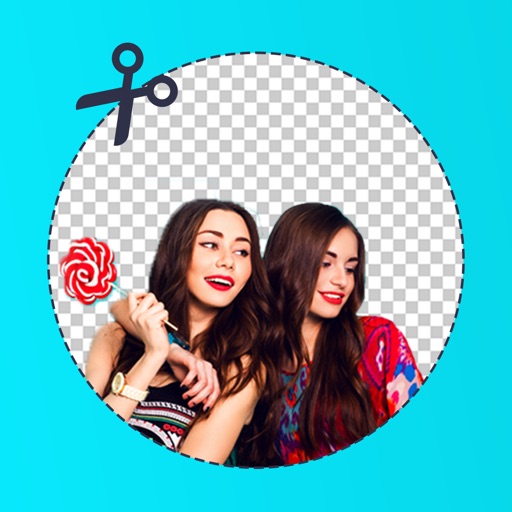
Remove backgrounds from photos using deep neural networks. Cut out people or objects and paste them into new images. Swap backgrounds and save edited images in various formats.
by Maxim Gapchenko★ 4.61,152 ratingsPhoto & VideoFreeData updated 2026-09-23
Convert images to over 20 formats including TIFF, GIF, JPG, PNG, PDF, and WebP. Manage media files, organize collections, and export images in preferred formats. Share converted files directly or save to device storage.
Remove backgrounds from images using automatic or manual tools. Edit photos with removal, erasing, and recovery brushes. Save and share edited images directly.
AI photo editor allows users to remove objects, people, and text from images. Change backgrounds and retouch photos with AI tools. Edit faces and create avatars. Export edited images in various formats.
Remove backgrounds and unwanted objects from photos and videos using AI. Tap to remove backgrounds, swipe to erase objects. Edit media quickly with precision. Export edited content directly.
View websites in a on the iOS home and lock screens. Tap links to navigate. Use JS-Widgets for instant interaction. Support geolocation and transparent backgrounds. Display images from the internet. Automatically update content.
Manage subscriptions by canceling auto-renewing services. View active subscriptions, edit payment methods, and set renewal dates. Export subscription history and receive alerts for upcoming renewals.
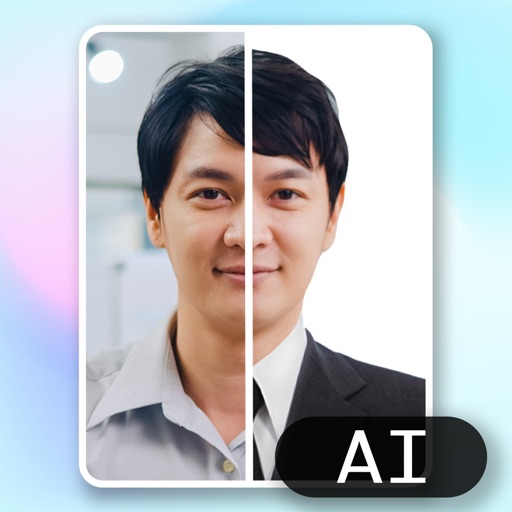
Create ID photos using AI to remove backgrounds and add formal clothing. Edit images directly on your phone simple tools. Save and share the final result.
Remove backgrounds from images by drawing a closed curve. Automatically erase similar color areas for transparent results. Adjust brush size for precise edits. Pan, zoom, and rotate images.
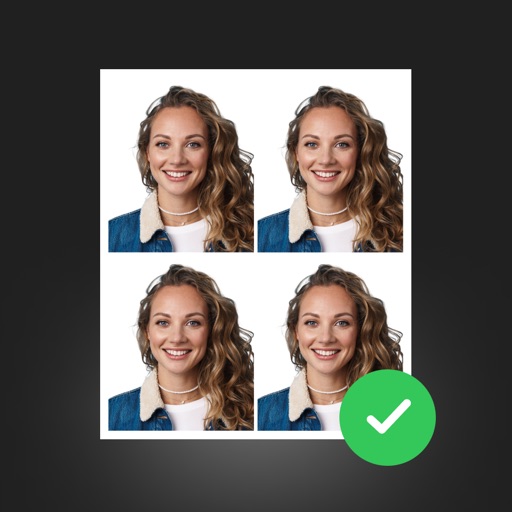
Create professional ID photos with AI tools. Automatically detect faces and remove backgrounds. Resize and crop portraits to fit official sizes. Support multiple countries' requirements. Generate printable -sized images for children and adults.
Create holiday cards by selecting from 500+ , filters, and effects. Choose photos from your gallery or camera, add custom text, and share the finished card. Include festive elements like a fluffy Red Santa for fun.
Edit photos by removing backgrounds with mode, object extraction, and quick select tools. Use transparent backgrounds for stamps and collages. Share edited images directly with other apps.
Image backgrounds quickly by uploading single or multiple files. Automatically detect and backgrounds in seconds. Adjust background color, make it transparent, or replace with a solid color. Save or share edited images directly.
Edit photos with cropping, resizing, blending, and beautification tools. Adjust brightness, contrast, and saturation. Add stickers, backgrounds, graffiti, and borders. Create collages with over 500 stickers. Apply filters to montages.
Remove backgrounds from photos to create transparent images. Highlight the subject and replace the with a new image. Adjust transparency and export the edited photo.
Objects, people, or blemishes from photos. Edit backgrounds and save as PNG or JPG. Crop images, add text, filters, logos, or watermarks. Use one-click background removal and clipping tools.
Control Samsung TV with a phone . Auto detect TV and use full functions. Navigate menus with a large touchpad. Access keyboard and voice search. Unlock all features with a premium upgrade.
Create collages and edit photos with cropping, filters, and text. Add stickers and remove backgrounds. Edit videos, create slideshows, and design invitations. Share directly to Instagram with hashtag management.