Apps Like Timestamp Camera: Date Stamper for iPhone and iPad
Add datetime to photos and videos
Add and time stamps to photos automatically or manually. Include captions and watermarks with customizable text. Apply signature stamps and logo overlays to protect photos with copyright marks.
by Chirag Gabani★ 4.7609 ratingsPhoto & VideoFreeData updated 2026-09-23
Add to and videos with customizable fonts, sizes, and colors. Adjust shadow and background. Apply curved, bent, or gradient effects. Choose from 20,000+ background images. Trim videos and add to video clips.
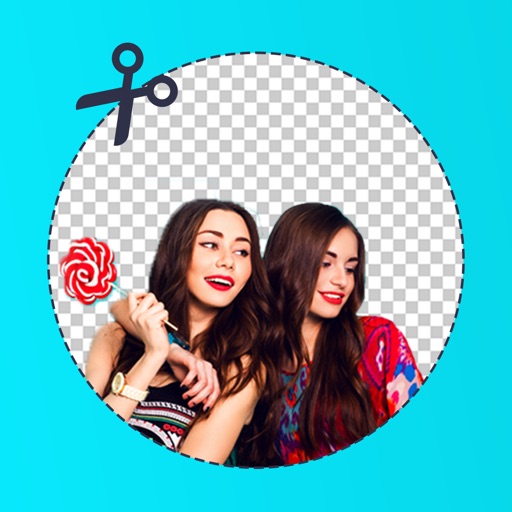
Edit photos by removing backgrounds with mode, object extraction, and quick select tools. Use transparent backgrounds for stamps and collages. Share edited images directly with other apps.
Edit photos by applying and effects. Select images from the gallery or camera. Adjust frame position, size, and angle. Choose from multiple stylish frame options and effects.
Create custom PDF reports with photos, text, and graphical annotations. Add logo, contact details, and company information. Capture or import photos from camera or gallery. Include textual descriptions and draw arrows or circles with gestures.
Create personal time-lapse videos by capturing and adjusting photos. Set reminders, change order and timings, and preview FaceSlides anytime. Choose from seven camera overlays or import multiple photos. Watch videos on Apple Watch.
Find quotes by topic and create custom . Select from solid color, gradient, or photo backgrounds. Choose fonts and customize text with emojis. Adjust size, color, transparency, and layout. Preview and save the design.
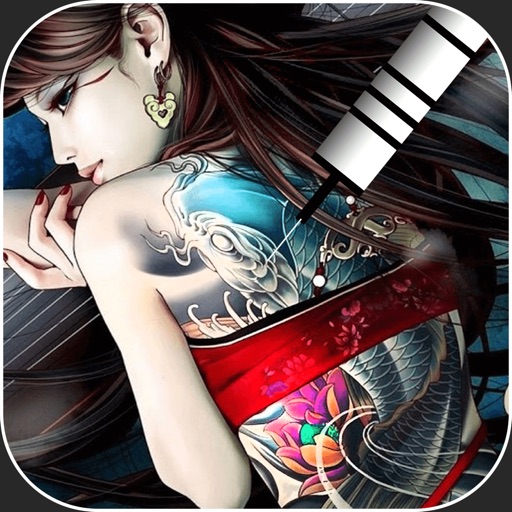
Create virtual tattoos on photos by selecting from 100+ black and white or 60+ color totems. Add text or captions and adjust position, rotation, size, font, or color. Save edited images to the photo library or share via social media.
Photos into customizable grid layouts with up to 10 rows. Post to Instagram directly. Adjust grid presets and share images in larger, organized formats.
Blur image backgrounds to create effects. Select photos from gallery or capture new images. Apply multiple blurring tools to adjust blur intensity. Export edited photos to device storage.
AutoSub allows users to add to videos using AI-generated text. Customize with formatting options. Edit videos by cropping, rotating, and adjusting settings. Change background to blurred, gradient, or solid color. Add animated text and emojis.
Display photos or free images on Samsung TV. Format, , mat, and sign images for display. Add a soft and multiple mats. Automatically adjust image size and layout. Share and manage photos directly from the .
The app reads Exif and GPS information from photos, including exposure details and location on a map. It also displays color model, DPI, orientation, and camera details, with the option to copy information to the clipboard.
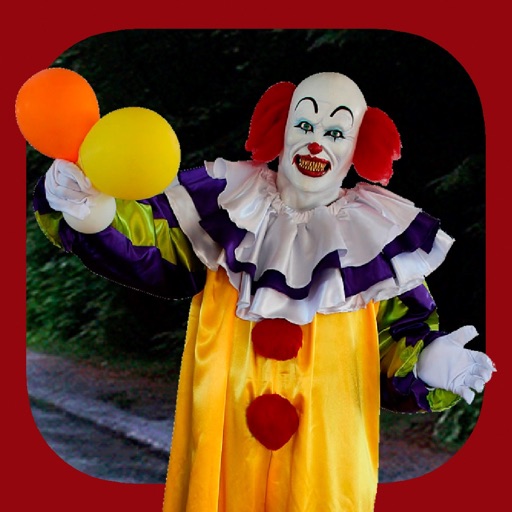
Add clown to photos for a scary effect. Choose from available , position them, and change background to black or white. Edit images using built-in tools and save or share the modified photos.