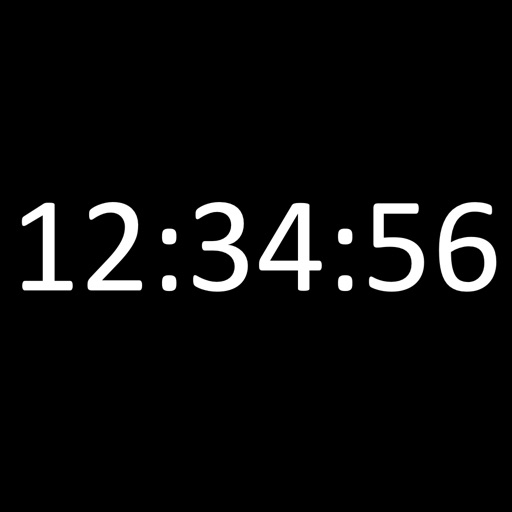
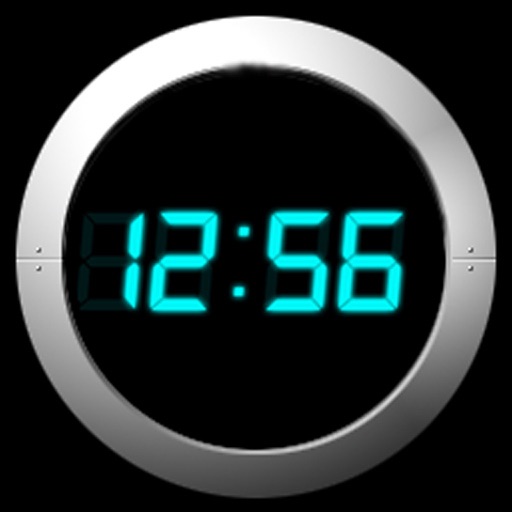
Displays the current time and date in large, readable text. Swipe up to access settings. Choose between 12-hour and 24-hour time format. Select date display options. Toggle visibility of the date and seconds.
Turns your Mac into a music-based alarm clock with customizable sounds and multiple alarms. Set snooze intervals, schedule alarms for specific dates or weekly cycles, and fade in volume and screen brightness. Launch apps or files at alarm time.
Track time with real-time , timer, and countdown functions. Display time in seconds or milliseconds. Customize time format and appearance. Integrate with or desktop interface. Adjust position and transparency. Set alarms and reminders.
Display current time, date, day of the week, and battery percentage on home screen. Customize and themes with multiple background and font options. Choose from three sizes. Add to home screen and update as needed. Requires iOS 14.
The app provides access to hosted folk, Americana, and roots music. Users can pause and rewind live audio, switch between streams, and access additional content like videos and blogs.
Set alarms with from your iPod library. Choose multiple alarms and customize vibration settings. Enable weekday/weekend repeats and switch between digital and analog themes. Adjust colors and time/date settings.
A minimalist flip clock displays time in a full-screen format. Users can swipe left or right to toggle dark theme. A single tap hides or shows seconds. No advertisements or in- purchases.
A notification that sends vibrations instead of sounds. Set alarms with unlimited storage, custom dates, and weekly repeats. Use timers with second precision, circular progress displays, and notification time alerts.
Display current time and date with customizable settings. Show screen savers every hour and access a settings toolbar. Enable a store for additional features. Includes improved advertisements.