View and manage short notes with quick writing, updating, and deletion. Display notes in widgets on home screens. Adjust size in widgets with premium access. Sync notes across devices using iCloud.
by Jordan Holland★ 4.550 ratingsProductivityFreeData updated 2026-09-22
Track activities with a simple interface showing days since action. Log events easily and customize with icons and colors. Add photos and notes for context. Free plan allows tracking up to 3 activities with unlimited logging and 4 stock photos.
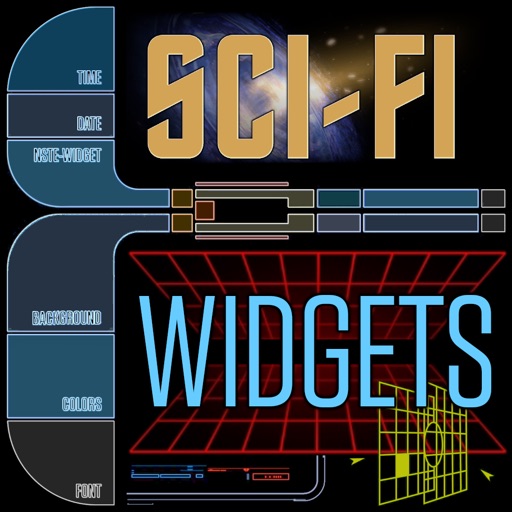
Customize home screen with widgets for displaying information. Add multiple widgets with unique styles and sizes. Adjust layouts, backgrounds, fonts, colors, and images. Use pre-made templates offline or download backgrounds online.
Track upcoming events with real-time countdowns on home and lock screen widgets. Set multiple milestones, customize appearances, and receive live updates without manual refreshing. View days, hours, and minutes remaining for each event.
Record and convert them into structured text using AI. Edit and share transcripts directly. Track action items and decisions within notes. Organize recorded information for quick access and retrieval.
Take notes with quick typing or drop-down menus. Add new notes via the “+” button or Share Sheet. Save notes from Notification Center. Sync across devices. Use voice commands with VoiceOver support.
Create and organize notes with drag-and-drop reordering and swipe-to-delete. Lock notes with a password or biometric authentication. Securely store data with background locking.
Manage files on iOS devices with support for over 40 types. View documents, play music, watch movies, and view photos. Record voice notes for interviews, meetings, or reminders. Transfer files to cloud storage or between devices.
Capture notes instantly by copying or pasting snippets from your library. Create dynamic templates with variables like dates and counters. Build hierarchical note trees using drag-and-drop. Search across all workspaces quickly.
A clock with multiple styles including minimalist, analog, and dynamic designs. Users can customize clock appearance, set alarms, and view time in full-screen mode. Widgets offer transparent components and animated time transitions.
Monitor communication usage and memory consumption directly on the home screen. Check free storage and device heat status. Customize background and font colors. Set reset intervals from 1 to 25 days. Multiple widgets can be added and managed.
Display tasks on Home or Lock Screen with a simple widget. Tap to mark tasks as completed. Add tasks manually and rearrange order in settings. No folders, tags, or notes included. Focus on daily completion without additional features.
Create customizable tap counters to track progress and save daily history. Organize counters into groups, add notes, and input custom values with date selection.