Create art and cross-stitch patterns with palette selection and gridline toggle. Use eraser, drag or tap to draw, and long press to fill. Trace images and export as files. Supports cross-platform creation.
by Harry Shamansky★ 4.1125 ratingsGraphics & DesignFreeData updated 2026-09-21
Create vector line art with precise stroke tracking. Export as SVG for use with pen plotters. Support Apple Pencil and touch input. Preserve individual stroke paths without filling. Ideal for technical illustration and machine reproduction.
Draw and measure surfaces with automatic creation. Calculate perimeter of closed and open areas. Switch between meters and feet. Adjust line width, zoom, and set custom plans. Export as image, PDF, or share via social media and messaging.
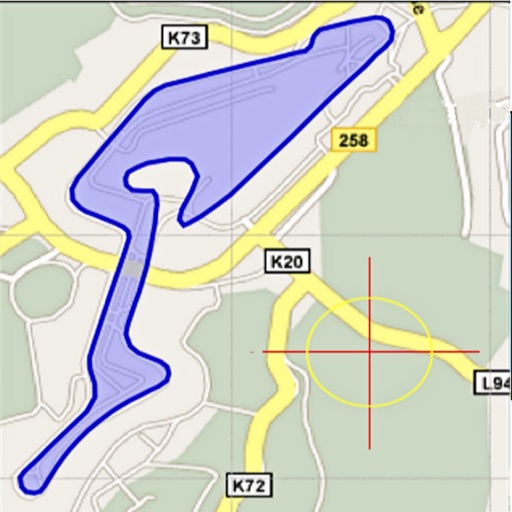
Area, lengths, and angles on maps using an interactive crosshair. Trace outlines to create connected points, updating area and perimeter in real time. Adjust radius for scaling features. View dynamic length and angle as you move the crosshair.
The app allows users to edit PDF files by overlaying text, images, check marks, cross marks, and signatures. Users can fill out PDF forms, sign agreements, and manage added elements with undo/redo functionality.
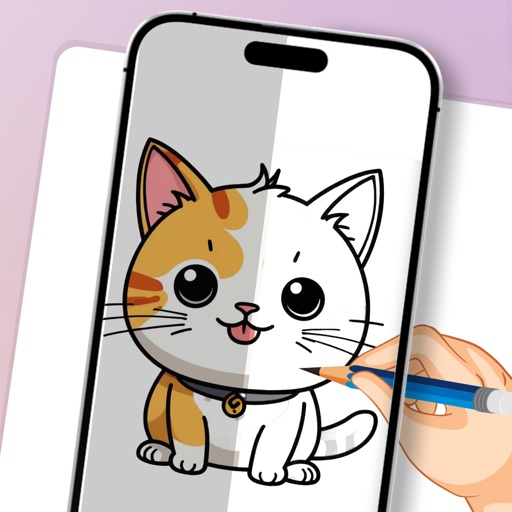
Use camera as tracing projector to on paper. Trace lines directly with pencil. Access and painting features. Learn to people, anime, and objects. View step-by-step guidance for artistic techniques.
The app offers on-device photo editing with AI features like background removal and auto-enhancement. It includes over 38 filters, stickers, text editing, and export options for HEIC, JPEG, or PNG formats.
Create and customize rooms in 2D floor plans. Add and adjust room properties. Drag and drop furniture, doors, and windows from organized categories. Edit objects and arrange layouts. Save and export designs. Limitations on object count apply.
Generate wallpapers, explore designs, organize creations
Generate AI-powered wallpapers from text prompts, producing 4K HD images in seconds. Explore curated design inspiration, organize creations in a personal gallery, and customize backgrounds with minimal effort. No design skills required.
Remove backgrounds from photos using AI-powered automatic detection. Manually adjust removal for precision. Use the lasso tool to select and remove specific areas. Export edited images in various formats.
Create art and share augmented reality experiences
Create and share digital art using augmented reality features. Import and edit images, apply filters, and add text. Collaborate in real-time with others. Export artwork in various formats and share via social media.