Apps Like Mao Brush for iPhone and iPad
Write on digital rice paper with strokes
Create and customize calligraphy strokes with and ink effects. Adjust pressure sensitivity for realistic writing. Save and share digital calligraphy works. Import images for overlay and composition. Export in various file formats.
Mao Brush screenshots
Ranked alternatives
Showing 61–80 of 1,000 ranked alternatives.

Islamic Wallpapers & Themes
Nurlan Ispayev
Set with art and Quran quotes
Set HD and 4K for home and lock screens. Choose from categories like Kaaba, mosque, Quran, Ramadan, Eid, calligraphy, and art. Save and share daily. Update backgrounds automatically.

FontMaker - Handwriting Art
5SKay VietNam Technology JSC
Type with custom fonts
Create custom fonts by typing text with unique styles. Choose from various font and calligraphy styles. Apply designed fonts in iMessage, Facebook, Instagram, TikTok, and other compatible apps. Share text with friends using personalized .

PicMix
Voxeloid Kft.
Merge photos, edit layers, create art
Merge photos into artistic compositions by selectively editing and combining image elements. Remove or re-add parts using finger painting techniques. Adjust brush settings for precise control.

Clip Studio Paint for iPhone
CELSYS,Inc.
Draw with unlimited features for 30 hours
Create digital artwork with customizable brushes and adjust texture, shape, and paper quality. Import and export images in various formats. Access unlimited brushes and tools for free for 30 hours monthly.

HenPitsu
Shin-ichi Nishimura
Draw with speed-sensitive brush
Draw with a brush that adjusts width based on finger movement speed. Create Japanese calligraphy or watercolor paintings. Select or capture background images. Save or export drawings to other apps.
Photo Label
FAPPS WORLD et Cie SCS
Photos with text and style
Photos by selecting an image from the library or taking a new one. Add text with customizable fonts, colors, sizes, and borders. Position text on the and share the labeled image.
Drawing Pad - draw & paint art
ISMITECH COMPANY LIMITED
With precision and flexible brushes
On a canvas with customizable brush sizes and pressure sensitivity. Adjust line width and opacity. Save and share drawings in various file formats.
Silk 2 – Generative Art
Yuri Vishnevsky
Draw art with flowing brush strokes
Create flowing art with a magic brush that responds to finger or Apple Pencil input. Draw mandalas and wallpapers by swiping to blend strands. Save and share artwork. Supports 3D touch and Apple Pencil for enhanced drawing experience.
Animation Creator HD
miSoft, LLC
Create animations with drawing tools.
The app offers drawing tools and frame management for creating animations. Users can export animations to video or animated GIF formats.
Spiral Corrector
Anatoly Weinstein
Practice handwriting, draw spirals, strengthen motor skills
Practice handwriting with customizable drawing tools. Adjust painting speed for different skill levels. Use varied colors, thickness, and calligraphy effects to enhance motor skills and penmanship accuracy. Track progress through repeated exercises.
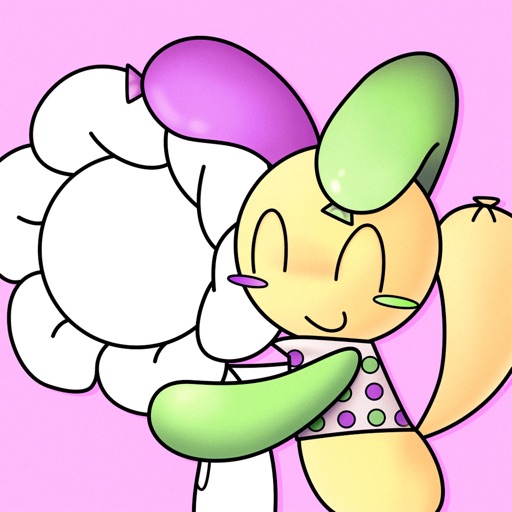

Color Splash for iPad
Pocket Pixels Inc.
Edit photos with brushes and black-and-white effects
Edit photos by converting them to black and white and selectively retaining with a finger brush tool. Zoom in and out using two-finger pinching for precise adjustments. Share edited images via email or upload to Twitter, Flickr, or Dropbox.

Miyako Coloring Book
yann le coroller
Pages and create art
Create art with hand-drawn illustrations by Olivia De Bona. Choose from 50+ exclusive designs. Use tools to , sketch, and customize images. Save and share completed artwork. Adjust brush size and opacity for detailed work.
How we rank alternatives
Apps are ranked by functional similarity, category fit, rating confidence, and popularity.