Solve logic puzzles by painting squares in grids. Use row and column clues to determine block placements. Reveal pixel-art images as puzzles are completed. Features include multiple difficulty levels and progress tracking.
View and browse high-resolution art . Pull down to load more images. Save to photo gallery. Share via Facebook, Twitter, and Google+. Requires internet connection for image loading.
Create and customize 3D avatars to represent yourself. in real-time with others via voice or text. Join rooms to meet new people or connect with friends. Roleplay in virtual environments, attend events, and participate in group activities.
Explore dynamic pixel art scenes from the 1990s. Navigate through interactive environments. Adjust lighting and perspective. Save and share custom views. Play background music loops. Toggle between different scene modes.
Create videos from text with automated scene generation and customizable styles. Convert images to animated videos using text prompts. Transform sketches into detailed images with AI enhancements. Export and share final videos directly.
Edit photos using AI to create customizable avatars. Upload images and select from various styles to personalize avatars. Share avatars on social media and save them for later use.
Solve puzzles by interpreting row and column clues to fill grids. Complete puzzles to reveal pixel art images. Track progress and unlock new puzzles daily. Adjust difficulty settings to challenge yourself.
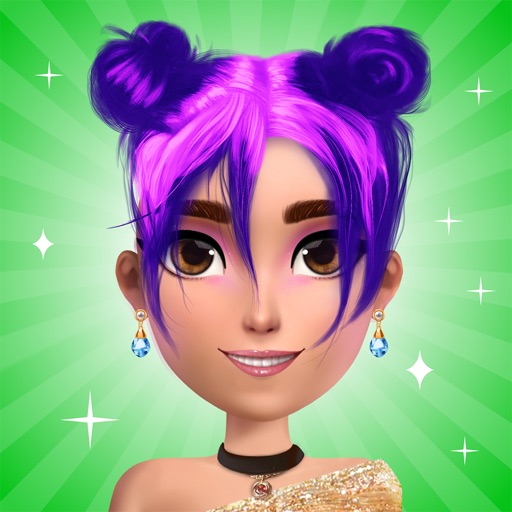
Create avatars by selecting male or female characters and customizing appearance with accessories and clothing. Save avatars with transparent backgrounds and export images for social media or other uses.
Create personalized cartoon avatars with customizable facial features and styles. Choose from a library of emoticons and GIFs to express mood. Share avatars in chats or social media.
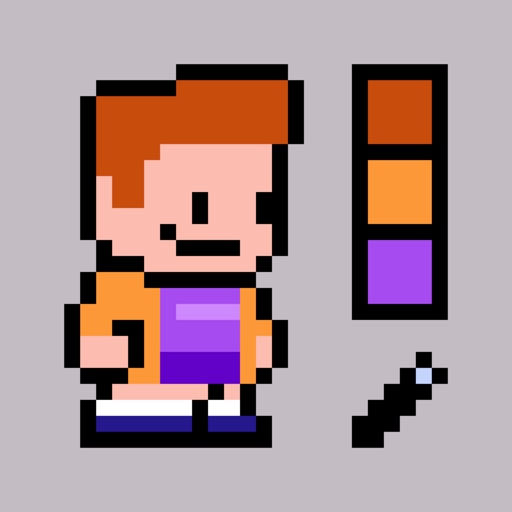
Create pixel-art avatars by selecting items from 14 categories. Choose color variations for each item. Customize character appearance with different accessories and clothing. Save and share avatar portraits. Add tags to portraits for identification.
Create digital artwork with realistic painting and drawing tools. Use exclusive brushes mimicking real-world art mediums. Simulate fluid watercolor effects. Adjust brush settings for precision. Export artwork in various formats.
Create characters by combining face parts. Design avatars with customizable features. Share creations with friends and family. Edit and export comic-style images.
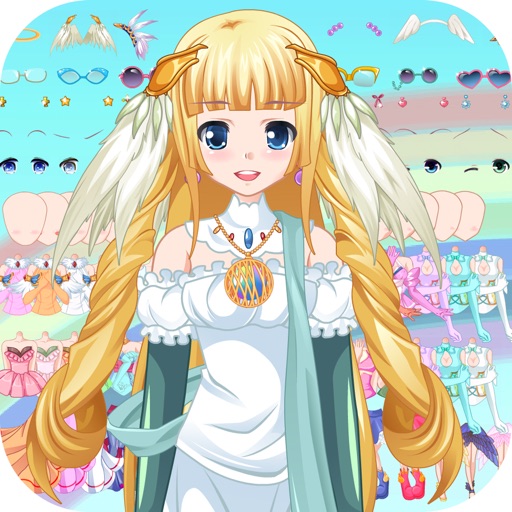
Customize an appearance by selecting and modifying various features such as hair, clothing, and facial attributes. Choose from multiple styling options to create unique outfits and appearances. Save and review changes to preview the final look.
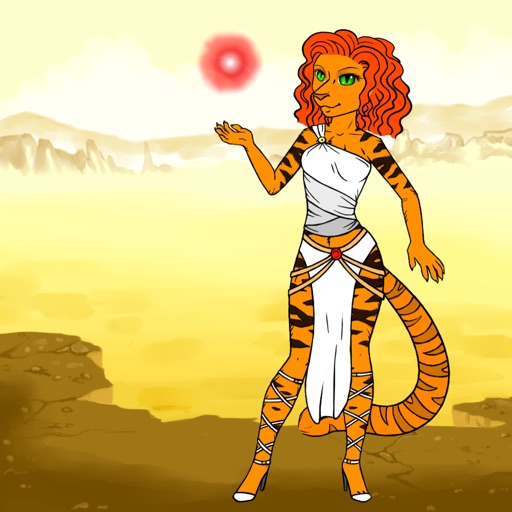
Design avatars with customizable clothing and skins. Create and style outfits using a visual editor. Import and apply designs to avatars. Export creations for use in games. Adjust colors, patterns, and accessories. Save and share custom designs.
Create videos by importing characters, adding backgrounds, and inserting music. Animate characters with fun effects. Share finished videos on YouTube. Features include customizable colors, animations, and -style art.
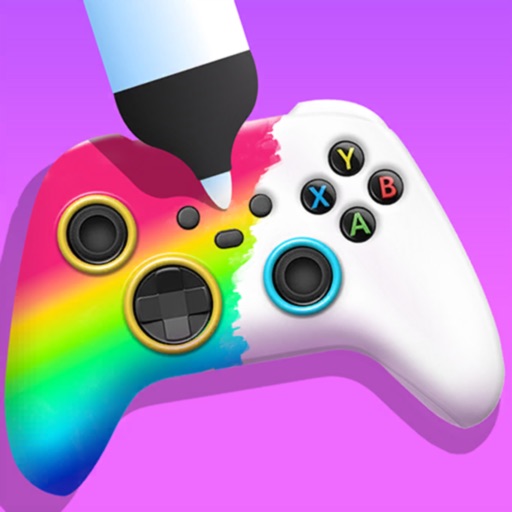
Create custom game controllers by designing art with stencil tools, spray paint, and stickers. Apply color and patterns to joysticks and gamepads. Add decorative elements like marble dipping. Save and share custom designs.