Create screenshots for Store with customizable frame sizes for iPhone, iPad, and Mac. Adjust image positions, scales, and rotations. Combine multiple images and frames in one screenshot. Add titles and support Dark Mode.
by Shanmin Xu★ 5.02 ratingsUtilitiesFreeData updated 2026-09-06
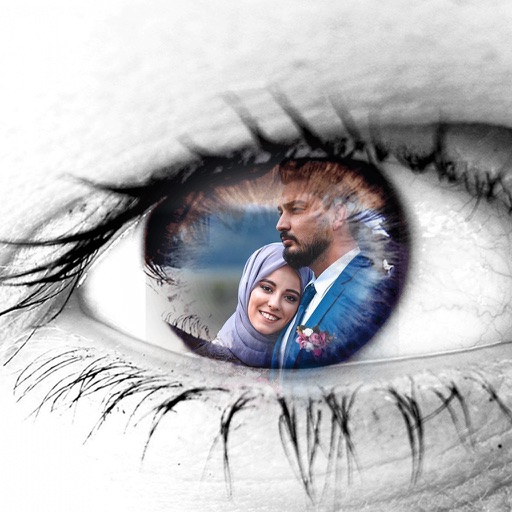
Decorate photos with customizable and effects. Choose images from the gallery or capture new ones. Adjust position, size, and angle. Save, share, or upload photos to social media platforms.
Decorate photos with customizable and effects. Choose images from the gallery or capture new ones. Adjust position, size, and angle. Save, share, or upload photos to social media platforms.
Decorate photos with customizable and effects. Choose images from the gallery or capture new ones. Adjust position, size, and angle. Save, share, or upload photos to social media platforms.
View astronomical files with quick previews of images and spectra. Open files directly without scientific analysis. Process data locally on the Mac. No personal data collection. Use network for limited outgoing connections.
Capture screen snippets and upload to prntscr.com to generate short links. Share via Twitter or Facebook. Add lines, arrows, and text annotations during capture. Save images locally or print them. Search for visual similar images online.
Enable wireless presentation by sending slides and videos from iPad to Mac. Control slide transitions with on-screen buttons. Switch between full-screen and window mode using arrow buttons or ESC.
Decorate photos with customizable and effects. Choose images from the gallery or capture new ones. Adjust position, size, and angle. Save, share, or upload edited photos to social media platforms.
Decorate photos with customizable and effects. Select images from the gallery or capture new ones. Adjust position, size, and angle. Save, share, or upload edited photos to social media platforms.