View 3D eye models for medical professionals, including normal and diseased eyes. Rotate and examine models from any angle. Add notes and save screenshots as images for documentation.
by SENJU PHARMACEUTICAL CO., LTD.★ 0.00 ratingsMedicalFreeData updated 2026-09-21
Access detailed anatomical illustrations with clinical context. View 3D models and cross-sectional views. Annotate images and save notes. Share content with patients or colleagues. Unlock full features via in- purchase.
Create and facial sketches using detailed geometric models. Analyze face structure from basic shapes to complex forms. Practice with 25 models, including 2 free. Refine sketches with layered tools and adjust proportions.
Design 3D models with customizable colors and textures. Import 3D text and add in- purchases. View models in augmented reality by placing them in your environment and walking around them.
Explore elements with detailed properties, historical context, and practical uses. View 3D atomic structures and rotate models. Search for elements by name or symbol. Save favorite elements for quick access.
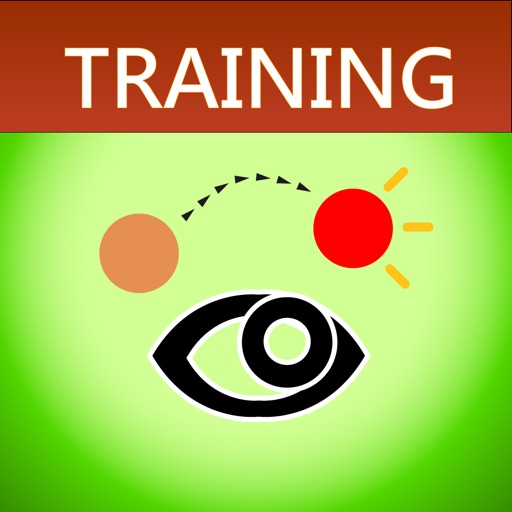
Help users train by following moving objects with their eyes. Adjust object speed, size, and background color. Modify stage size for different exercises. Focus on improving eye muscle control and coordination.
View and analyze ECG waveforms for various cardiac rhythms including normal sinus rhythm, sinus tachycardia, and atrial fibrillation. Identify key features like P-wave morphology and QRS complex.
Access medical tools for exams. Perform distance vision testing with Apple Watch remote. Use LiDAR exophthalmometer and various optotype tests. Capture fundus photos with Ullman Indirect. Measure astigmatism with gyroscope-stabilized dial.
Explore through bite-sized lessons on 20+ topics, including animals and space. Take fun quizzes to test knowledge and track progress. View 3D animations and interact with models to explore concepts in detail.
Control via mobile device. Change programs, adjust sound settings, and save favorites. Locate lost . Receive updates from care professionals. Sync with aid software.
The app offers information on eye conditions and tests. It includes screening tools to guide vision assessment, but professional diagnosis requires a consultation.
The app analyzes eye pictures to identify affected organs and tissues based on iridology. Users can view an interactive chart, learn the history of the technique, and analyze friends' health.
The app performs quantitative assessments for plant diseases on plant organs using photographs. Users can specify healthy tissue colors to calculate the percentage of diseased tissue.
Schedule virtual consultations with certified medical professionals. Select from various specialties and providers. Access urgent care without appointments. View medical records and receive expert advice remotely.
This app provides detailed information on B737 systems, including the NG, Classics, and MAX models. It offers customizable content, touch navigation, and reference options for pilots.
Explore detailed 3D models of the anatomy. Rotate, zoom, and dissect layers to view internal structures. Select specific regions for focused study. Access high-resolution cross-sectional images from real cadavers.
Explore 3D models of DNA, cells, and plant tissues. Perform virtual dissections to reveal labels and definitions. View interactive simulations and animations for biological processes.
Access AI-powered tools for content creation, text generation, and visual design. Use GPT-4o, Claude, Llama, Dalle 3, and other models to generate text, images, and code.
View and navigate 3D medical reports created with Structural Heart or Vascular software. Rotate, zoom, and measure structures within reports. Export images and annotations for documentation and sharing.
Visualize reactions in 3D with quantum simulations
View 3D models of chemical reactions based on quantum-mechanical simulations. Rotate, zoom, and dissect molecular structures. Annotate diagrams and save notes for later review. Share visualizations with classmates or instructors.
Alphabets with guided practice and freestyle creativity
Alphabets with three modes: easy mode guides writing with a hand pointer, normal mode improves accuracy, and freestyle mode allows personal writing style. Share screenshots with friends. Practice writing and pronunciation.