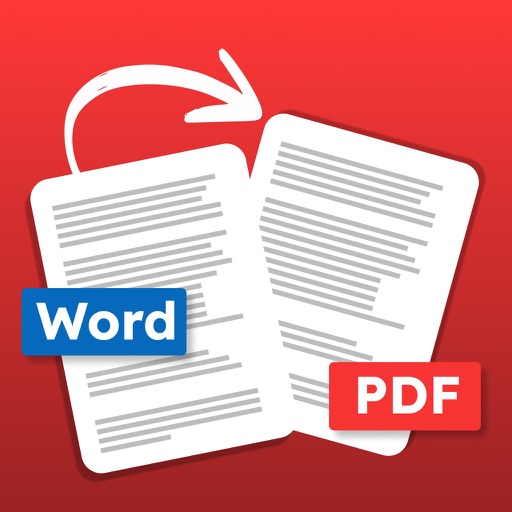
Convert documents to PDF files. Choose .docx or .doc files. Convert and save as PDF. Share or resave converted files. Support batch conversion of multiple documents. Some advanced features require a purchase.
Save web pages as PDF documents for offline access. Bookmark and organize saved files in a personal archive. Share PDFs via email or cloud services. Edit and annotate PDFs directly within the .
The app compresses PDF files to reduce their size by compressing images within the document. It can compress multiple PDF files or all PDFs within a folder at one time, offering up to 80% file size reduction.
Files to PDF by selecting documents, converting them to PDF format, and saving or sharing the result. View converted files, organize them in folders, and access additional formatting options for customization.
Compress PDF files to their . Select files from the device. Adjust compression settings to balance quality and file . Export compressed PDFs and share them directly.
Record data using iPhone or iPad with audible and haptic feedback. Collaborate by sharing and merging data. Export via email, AirDrop, iCloud, OneDrive, and other methods. Import files compatible with PetraPro and Synchro.
The app allows users to upload and download files between iOS devices and computers. It supports file and folder management, viewing various file types, and generating image thumbnails.
Convert PDF files to images (JPG/PNG) and text (TXT/Word) with one-click processing. Extract text from images or scanned documents using OCR, supporting multiple languages. Preview PDF, image, and text files in a single interface.
Turn iPhone into a storage device for managing local and files. Access Google Drive, Dropbox, OneDrive, and iCloud for synchronization. Transfer files wirelessly via Wi-Fi and share them directly.