Create art with a simple interface. Tap to draw and access basic tools for designing SNS icons, game skins, or craft patterns. Export artwork for use in perler beads, cross-stitch, or knitting projects.
Create digital art with 105 tools including pens, pencils, and brushes. Import and edit photos. Add text and rotate elements. Customize brush settings. Use customizable canvases. Save and share artwork.
Multiple images simultaneously with customizable pixel dimensions. Choose from four modes including fixed width, fixed height, maximum pixel, aspect fill, or aspect fit. Export resized images in selected formats.
Create custom stickers with text, images, and background erasing tools. Crop and save stickers for later use. Share stickers via Google Drive, QR code, or social platforms. Sort and import multiple JSON files for organized sticker management.
Edit photos to full size on Instagram . Stretch edge pixels to fill gaps. Choose from blur, mosaic, color, and pattern backgrounds. Take photos directly or import from gallery.
Access a library of high-definition across categories like nature, art, and abstract. Set selected images as home screen or lock screen. Update daily with parallax optimization.
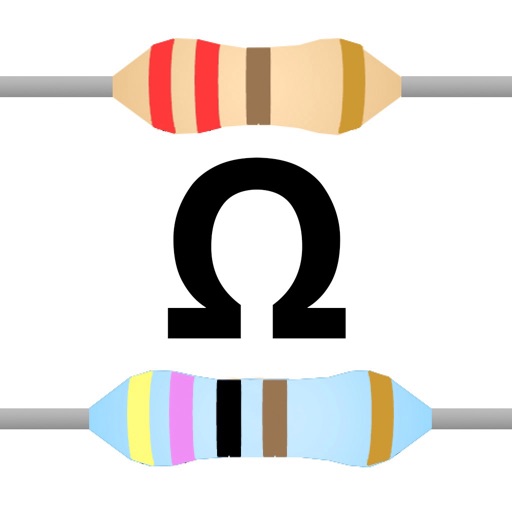
The app calculates resistor color codes for 4 and 5-band resistors. It serves as a reference for makers, engineers, and students working with electronics.
Resize and crop images for specific dimensions and resolutions. Adjust colors and metadata accurately. Batch process multiple files with customizable workflows. Export in various formats for social media, printing, or projects.
Swipe to rotate images and adjust angles to solve puzzles. Choose from various low and art styles. Unlock free packs to expand content. Share completed puzzles with friends.
Remove by scanning for exact and similar images. Delete or move duplicates to free up storage space. Organize into folders for easier management. Preview and select before deletion.
Resize images to custom sizes with pixel, millimeter, centimeter, or inch units. Maintain aspect ratio by linking width and height fields. Save, email, print, or share edited images. No ads or in- purchases.
Capture photos using a 1-bit camera with only black and white pixels. Choose from three pixel resolutions and an 8-color mode. Features chunky buttons, mechanical sounds, and clean PNG output for printing or further use.
The app provides graphic design and drawing tools for creating sophisticated projects. Users can design and collaborate anywhere, using photos, fonts, and shapes to create various graphics and art.
Resize images to 480x640 pixels without internet. Select photos from the library. Adjust up or down. Export resized images directly. No internet required for resizing. Simple interface for quick adjustments.