
RemoveBG: AI Background Remove
Aaron Kwok
With one touch
Backgrounds with a single touch. Replace backgrounds with any image. Apply blur to create a depth effect. Adjust clarity for better visibility. Export edited images directly.

Showing 261–280 of 1,000 ranked alternatives.
Aaron Kwok
With one touch
Backgrounds with a single touch. Replace backgrounds with any image. Apply blur to create a depth effect. Adjust clarity for better visibility. Export edited images directly.

Satyadev Mahalingashetty
Add to videos and share
Add to videos from iPhone or iPad. Merge audio with clips. Preview and save edited videos. Share directly to or .

Liam Sammy
Edit photos and remove backgrounds automatically
Edit photos by removing backgrounds with mode, object extraction, and quick select tools. Use transparent backgrounds for stamps and collages. Share edited images directly with other apps.
迪刚 宋
Add to and videos
Add and captions to and videos with customizable fonts and styles. Include balloons for dialogue effects and adjust size, color, and alignment. Trim video clips and select areas. Support 9:16 full-screen format.




Pooja Ranka
Edit photos with AI-powered tools
Edit photos with AI-powered tools, object removal, and background changes. Apply artistic styles and one-tap enhancements. Export edited images in multiple formats and share directly.


FIODAR PUCHKOUSKI
With one tap
Backgrounds from photos using AI-powered erasing. Replace with empty, custom, or selected backgrounds. Edit images directly from gallery or camera. Export edited photos for sharing or further use.

Philip Broder
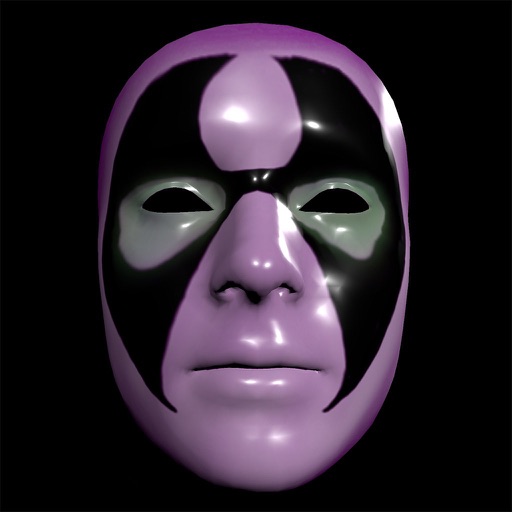
Create masks, edit faces, animate effects
Create and apply custom masks using the iPhone X True Depth Camera for real-time mapping. Edit masks with painting tools, lighting effects, and rotation animations. Access mathematically plotted sci-fi masks.

Apps are ranked by functional similarity, category fit, rating confidence, and popularity.