The app allows users to create photos and movies using green screen technology. It supports high-resolution video and photo capture, with a timeline editor for layering and editing multiple video or photo elements.
Build and customize PCs using real-world components. Learn to assemble hardware step-by-step with detailed instructions. Repair different PC models and manage component compatibility. Track progress and upgrade systems over time.
Cloud identification uses device cameras to classify and identify cloud types in real time. Displays cloud names and characteristics. Offers educational information about cloud formations and weather patterns. Syncs with cloud observation logs.
The app presents a logic puzzle where users guide a character named Pushy to his home. Players solve puzzles by moving Pushy, interacting with game elements, and completing tasks to advance through levels.
Manage and control Pi devices from an iPhone or iPad. Monitor system status, locate devices on the network, and perform actions without using SSH. Set up new devices, manage multiple systems, and access system logs and settings.
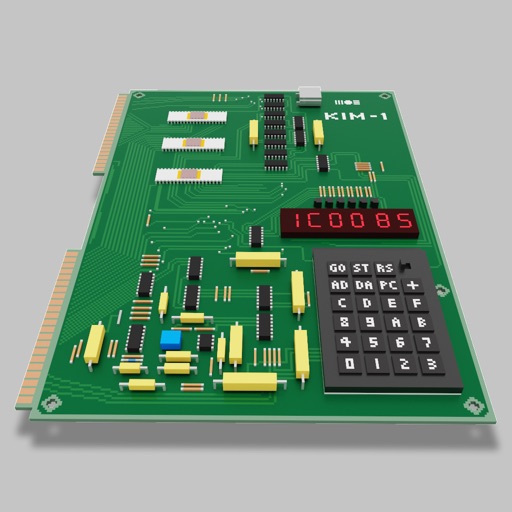
Users can assemble and debug assembly code using a simple interface with 7-segment LEDs and buttons. Run programs on an emulated 8-bit processor. Solve programming puzzles and explore hardware components used in early home computers.
Explore a simulated MITS Altair 8800 computer with CP/M 2 operating system. Run classic text-based games like Zork, interact with Eliza, play Startrek, use WordStar, or write programs in Basic or TurboPascal.
The app reports hardware information including CPU frequency and device name. It displays OpenGL ES and Metal information, providing online access to extension specifications and featuring graphical rendering tests.