The app reports hardware information including CPU frequency and device name. It displays OpenGL ES and Metal information, providing online access to extension specifications and featuring graphical rendering tests.
by Stephane Denis★ 4.77 ratingsUtilitiesFreeData updated 2026-09-14
The app provides detailed information on the user's OpenGL 3D accelerator, including vendor name, version, renderer name, and active extensions. It is integrated with Metal for an enhanced OpenGL experience on macOS 10.13 and above.
Test device performance in a 3D environment. Measure FPS during complex scenes with high triangle and pixel shader counts. Control camera movement and interaction using twin joysticks.
Simulate collisions with realistic physics. Visualize gravitational interactions between stars and centers. Use OpenGL point sprites for detailed rendering. Explore dynamic movements and interactions.
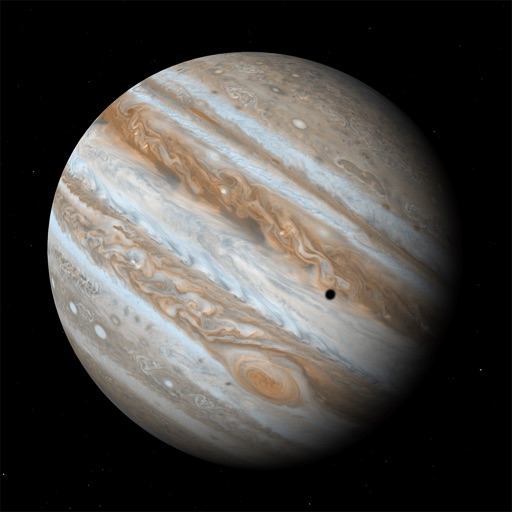
Explore celestial bodies like Jupiter, Saturn, Uranus, and Neptune through a simulated telescope. View planets and their moons as they appear now or at any date and time. Adjust telescope settings to simulate different viewing conditions.
Query phone hardware and system details including frequency, network speed, carrier support, and storage usage. View camera specifications, screen resolution, and memory status. Access operating system and WiFi hotspot information.
Provides a 3D floating with realistic OpenGL graphics. Users can switch between nine modes, including direct read, traditional, and rosette styles. It displays degrees, quads, or mils.
IPhone and iPad performance with real-time CPU, memory, disk, and battery usage graphs. View network details including wifi/cell connection info and routing tables. Display OS data like kernel version and memory page statistics.
Monitor device hardware and software performance. View CPU details, screen specifications, battery status, and network information. Track memory and storage usage. Access sensor data and run diagnostics for iPhones and iPads.
Displays battery level and state, shows disk usage, tracks real-time CPU usage and average load. Monitors network connections and operating information.
Monitor CPU model, memory usage, and battery health in real-time. Check device specifications, storage details, and sensor data. View CPU frequency and RAM usage metrics. Track device performance and system resources without jailbreaking.
Measure CPU performance with real-world scenarios. Test single-core and multi-core speeds. Monitor temperature and power consumption during tests. Compare results with standard benchmarks.