Draw sketches using brushes and tools with support for Apple Pencil. Create layered artwork and zoom for detailed painting. Import and export vector images in PDF, PNG, and JPEG formats. Use color or photo backgrounds. Save artwork for later.
Allows children to create art using finger slides and clicks. It includes stick figures, , and coloring features. Users can explore art materials, cartoons, and comics.
Create avatars and wallpapers by painting or doodling. Access built-in resources for inspiration and guidance. Choose customizable painting lines to express creativity. Save and share finished artwork.
Create line drawings with rotating controls and shake-to-erase function. Use LED pegs to make point drawings. Paint with 8-bit style tools. Save artwork to photo library.
Color images for relaxation and creativity. Draw on blank pages with realistic painting tools. Zoom in easily for detailed work. Watch video replays of drawings. Access a variety of themed pictures for .
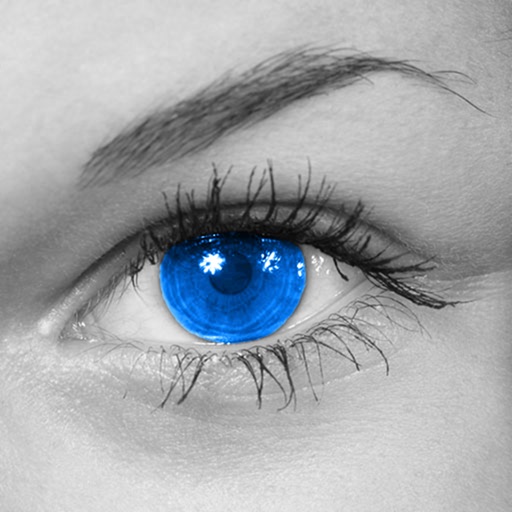
The app converts photos to grayscale while allowing users to selectively recolor areas. Users can paint, zoom, and erase to create color splash images.
The app allows users to draw on realistic sand with various beach objects and customizable colors for the sea, sky, and sand. Users can shake the device to clear the drawing and add a sea view with a controllable sunset.