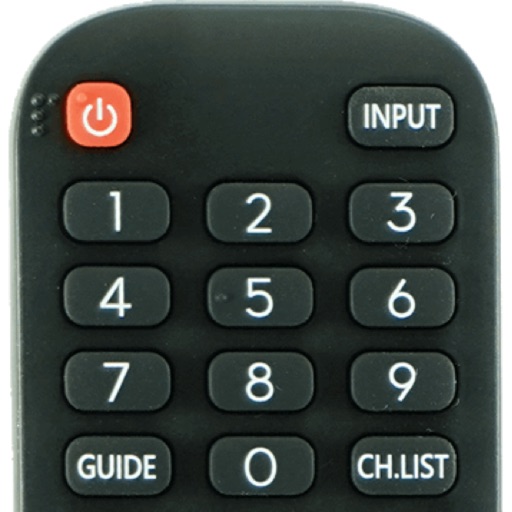
Devices with preloaded models including EN3V39H, 55H6E, and 55R6000E. Access saved profiles for quick use. Navigate with a fast touch pad and keyboard. Use a clean interface to manage device functions without installation.
Control TV and devices remotely via Wi-Fi. Navigate menus, adjust volume, and access key functions. View a simple interface for quick operations. Compatible with all TVs and devices.
The app allows a device to wake, sleep, or shut down a computer over a network. It finds computers on the local network and supports multiple computers and groups.
Television functions, launch apps, and navigate menus from an iPhone. Connect to the same WiFi network for instant pairing. Discover and pair with compatible TVs automatically without additional hardware.
Control TV remotely using a smartphone. Navigate with D-pad or swipe gestures. Type on the TV using your phone's keyboard. Access apps and websites with single taps. Customize order and connect to multiple TVs. Add custom apps and websites.
The app offers wireless remote control for PreSonus StudioLive-series Classic mixers. It allows users to adjust mixing functions, including levels, pans, mutes, EQ, and dynamics, from an iPad over a wireless network.
Manage your TV with a smartphone . volume, change channels, and open apps. Connect to compatible Smart TVs instantly. Adjust settings and navigate menus directly from your phone.
Access desktop applications from anywhere remotely.
The app provides access to a user's desktop applications remotely. It supports multiple operating systems and offers customizable resolutions and session bookmarks for enhanced remote access.
Control your Smart TV with a that allows turning it on and off. Use a built-in keyboard for typing on the TV. Navigate with a trackpad support for precise movement.
Control LG TVs remotely with mouse and keyboard inputs. Connect to previously paired devices automatically. Access live TV content and capture screen images. Share photos and launch TV apps. Requires same Wi-Fi network for Mac and TV.
The app allows users to access their Windows PC from an iPad or iPhone. It offers features like a trackpad for mouse control, a modifier keypad, and pinch-to-zoom functionality.
Monitor network traffic and manage devices remotely
Monitor network devices with real-time traffic data and multi-device management. Retrieve live data every 3 seconds. Group devices by labels and search by name or host. Securely access and manage files via SSH and SFTP.
TV channels and adjust volume directly from a mobile device. Use touchpad and numpad for navigation. Replace traditional functionality for easier TV management.