Create a visual daily timeline to organize tasks and reduce time anxiety. Use smart focus timers for structured work and break intervals. Sync events with Apple Calendar automatically. Set routines and track progress toward goals.
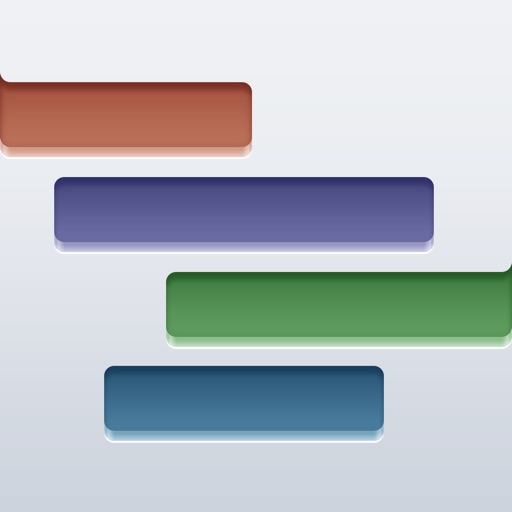
The app allows users to track project tasks and requirements. Users can create a Gantt chart to visualize project timelines and adjust tasks to reflect changes.
Track tasks, visualize projects, and manage workflows
Organize tasks and projects using visual . Drag and drop cards to prioritize and track progress. Set deadlines, add notes, and attach files. Sync across devices and collaborate in real time.
Create and manage tasks with notes, check-offs, and subtasks. Set reminders and deadlines. Organize daily, weekly, or project-based activities. Sync across devices for consistent access. Track progress with simple, distraction-free interface.
View projects from external sources like Email and DropBox. Display tasks, resources, charts, and work schedules. Navigate with touch gestures and save favorite projects for quick access.
The app allows users to capture notes, memos, or comments. Users can create checklists with checks or tasks, and type in a diary, eliminating the need for a notepad.