Apps Like Chop Video - Split Segments for iPhone and iPad
Videos into custom
Long videos into customizable of 2.5s, 5s, 10s, 15s, 20s, 25s, 30s, 45s, or 60s. Save edited videos to the Photo Library. Share directly to social media platforms. Disable ads with a subscription.
by Thomas Lojko★ 4.454 ratingsPhoto & VideoFreeData updated 2026-09-20
Create collages using 9 photos. Tap frames to insert images from the photo library. Resize, reposition, and crop photos within each frame. Preview the in full size and save it to the photo library.
Convert videos into vintage style with adjustable date settings and filters. Import custom videos, add text and emojis, and include background music. Use flashlight, zoom, and selfie mode for enhanced recording and editing.
The app allows users to cut from multiple photos and merge them into one. It offers editing tools like rotate, scale, and flip, and users can select from over 40 backgrounds.
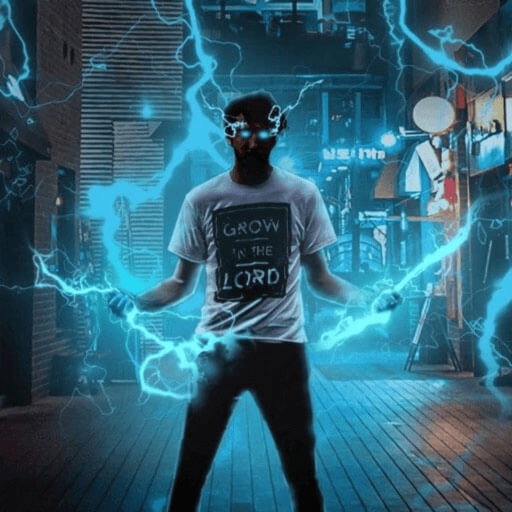
Record and edit videos with visual and templates. Add elements like dragons, magic circles, and space scenes. Include such as fire, laser, and lightning. Export and share edited videos directly.
Add to videos using a library of 60,000+ royalty-free tracks across 80+ genres. Include voice-overs and background . Export videos for Facebook, TikTok, Instagram, Snapchat, and YouTube. Sync with social media platforms directly.
Edit photos and videos with like Analog Noise, Digital Noise, and VHS Noise. Apply such as Color Aberration, Datamosh, and Pixel Sorting. Save edited content as animated GIFs. Export in 4K resolution.
Create videos from photos using AI animation. Generate videos from text prompts with advanced AI models. Apply AI-powered effects to enhance videos. Edit and export videos in various formats.
Create Photos from videos or gallery clips. Select and edit the key photo for the animation. Set as a dynamic wallpaper on iPhone 6s or newer. Adjust timing and effects for the motion.
Edit photos and videos with face and voice filters. Apply 75 hilarious face effects and 39 voice sounds. Combine multiple face filters. Record videos and take photos. Share content directly with others. No login required.
Create video reels using templates and custom transitions. Trim clips and add text, GIFs, and music from a large library. Include stock photos and videos. Export and share high-quality videos directly to social media.
Find wallpapers, avatars, memes, and videos focused on anime. Browse curated images and videos for desktop or mobile. Download and set wallpapers. Share memes and avatars. Access exclusive content through subscription.
Lets users divide videos into shorter clips. They can create extended video stories for platforms like Instagram and TikTok. The supports both portrait and landscape formats. Videos export without watermarks.
Create movies and slideshows using photos and videos with background music. Apply filters, effects, and stamps to photos. Preview and share videos directly. Watch shared movies in a feed, follow friends, and view trending content.
Record and edit videos with - effects. Adjust playback speed up to 240fps or down by 12x. Add freeze frames and highlight key moments. Choose from existing videos or record new ones. Export and share edited videos directly.
Edit photos and videos with Magic AI Retouch for skin smoothing and color correction. Apply vintage presets for nostalgic effects. Adjust brightness, contrast, and saturation. Add text, stickers, and filters.
Edit photos and videos with a variety of and effects. Apply trendy styles to enhance visuals. Create original content with editing tools. Export and share edited media directly. Sync with social platforms for seamless posting.