Create and edit diagrams, flowcharts, and notes with integrated text and symbols. Draw directly on the screen or use keyboard input. Share drawings via copy-paste or iCloud. Sync work between iOS, iPadOS, and macOS devices.
by DEKORRA OPTICS LLC★ 4.19 ratingsProductivityFreeData updated 2026-09-20
Organize notes with folders and tags. Edit markdown and preview content. Use iCloud Drive with subfolders. Share notes via extensions. Support dynamic fonts and dark mode. Encrypt notes with TextBundles. Search notes quickly.
Create diagrams, technical sketches, and geometric art on digital graph paper. Draw with customizable pen colors and stroke widths. Edit objects after drawing. Use full-screen mode and hideable guides for focused design.
Draw on a or whiteboard with adjustable brush sizes and multiple paint colors. Create shapes like lines, arrows, circles, and polygons. Add text with customizable font sizes. Import photos and record video directly within the .
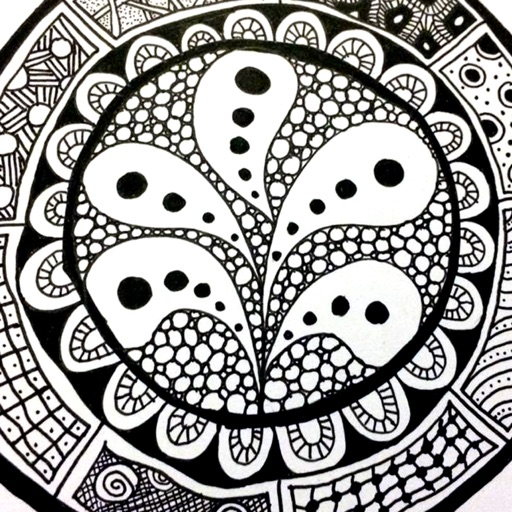
The app provides a reference guide for doodlers, featuring 100 tangle patterns with drawing instructions. Users can browse a gallery of creations and share their own drawings.
Create diagrams and flowcharts using shapes like rectangles, circles, and arrows. Draw freehand or use geometric figures. Collaborate in real-time on an infinite canvas. Export diagrams in multiple formats.
Generate strong passwords with customizable character types including lowercase, uppercase, digits, and symbols. Automatically copy generated passwords for quick use. View color-coded character distribution for clarity.
Provides for reports, resumes, flyers, and social media visuals. Users can customize layouts, graphics, and infographics. Access a large collection of pre-designed elements to enhance document creation.
The app allows users to create and deliver collaborative lessons. It supports adding informational cards with rich text, photos, drawings, web links, and questions for discussion or quizzes.
The app is a vector illustration application for iPhone, iPod Touch, and iPad. It supports paths, text, images, groups, masks, and gradient fills with an unlimited number of layers.
Study cards with adaptive quiz ordering based on performance and active learning. Take quizzes in multiple formats including spelling, multiple choice, and typing. Customize quiz settings for question count, card side, and order.