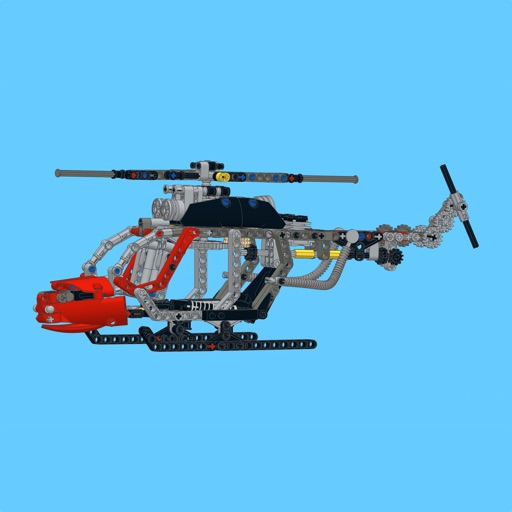
Apps Like HoverBots Assembly Instruction for iPhone and iPad
Build models with 3D step-by-step guides
View 3D instructions to build models from the kit. Navigate through step-by-step guidance to assemble each component. Rotate and zoom models for detailed views during construction.
Learn Arduino programming through 15 levels. Unlock all levels after connecting to the gamepad. Use innovative controls to navigate challenges. Transfer real-world actions to digital gameplay. Track progress through interactive challenges.
Calculate bends, mark measurements, track progress
Calculate bends with step-by-step guidance for offset and rolling offset types. Input measurements to determine bend angles and lengths. Include diagrams for visual reference. Export bend data for use in installations.
Solve puzzles by manually moving, rotating, and placing blocks. Use screenshot input to analyze and solve puzzles automatically. Access step-by-step guidance to navigate challenging levels.
Play as a warrior, sorceress, dwarf, or archer to defend the king’s castle. Complete quests with limited moves. Defeat opponents and overcome trials. Explore a kingdom with magical creatures and heroes. Manage a group through twelve .
View 3D STL files with support for ASCII and binary formats. Load models from ZIP files. Rotate, pan, and zoom for graphic manipulation. Switch between orthogonal and perspective views.
View and manipulate 3D models with rotation, scaling, and sectioning. Support for BIM, Revit, SolidWorks, and over 40 3D file formats. Measure distances and preview assemblies. Export and share 3D designs.
The app allows users to build a burger business by flipping burgers, improving offerings, and satisfying clientele. Users can expand to seven types of cafes, construct homes, create farms and factories, and unlock recipes.
Learn to fold using sticky notes, business cards, and printer paper. Follow step-by-step guides with high-quality images for each design. Access 30 models including a container, cube, basketball hoop, and yacht.
Build a using detailed step-by-step guides, part lists, and large images. Highlight new parts with a button. Follow similar to official manuals. Share feedback to help improve future MOCs.
Scan equations, get step-by-step solutions, share, print,
Scan problems to receive step-by-step solutions in PDF format. Share, print, or save the document. View graphical representations of solutions. Solve equations, inequalities, derivatives, integrals, and trigonometry problems.
Models using LEGO-like bricks in categories like Cars, Robots, and Minecraft Heroes. Follow step-by-step instructions to create new designs. Share completed builds via the Public Gallery. Receive feedback and write reviews on Store.
Bake cakes by selecting from 10 types. Follow step-by-step instructions to decorate and assemble each . Customize designs with various toppings and colors. Save and share completed cakes with others.
AI Assistant provides instant answers to iOS setting questions. Clear explanations break down with real-life examples. Navigate Apple ID, Wi-Fi, Bluetooth, privacy, battery, and notifications step by step.
Learn to draw with step-by-step . Bookmark favorite designs. Print blank templates via AirPrint. Prevent screen sleep with a lock button. Practice mindfulness during drawing sessions.
Explore tutorials for organized by categories like houses, castles, and redstone contraptions. Each includes materials lists and step-by-step instructions. Save and share completed builds. Sync with to view progress.
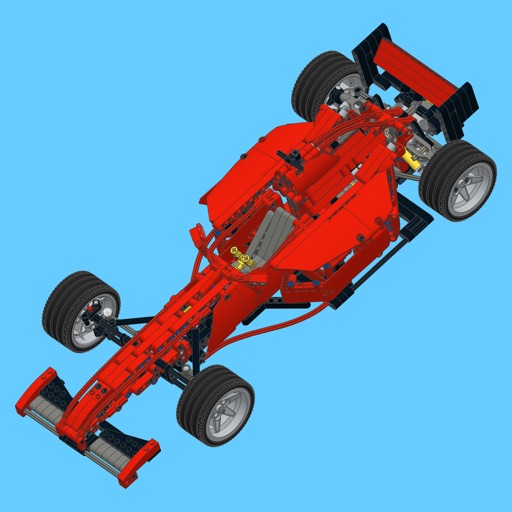
Build a Technic supercar using step-by-step instructions with large images and a parts list. Highlight new parts and access building guides for the MOC. Share feedback or reviews to help improve future MOC uploads.
Scan and solve , science, and subject-specific questions with step-by-step explanations. Ask follow-up questions for deeper understanding. Create and follow personalized study schedules. Share notes and solutions with peers.
Control smart home devices by connecting them through the . Manage device settings, view real-time status, and receive notifications. Adjust schedules and automate device functions based on time or conditions.