Tracks mobile and Wi-Fi usage. Displays hourly and daily traffic graphs. Allows setting reset day from 1st to 31st. Carries over to next month. Provides home screen widget. Updates in background when open. Removes ads with one-time purchase.
Zoom into images to view details at maximum screen size. Enlarge specific areas like eyes or text in photos. Adjust zoom levels for precise viewing on iPhone or iPad displays.
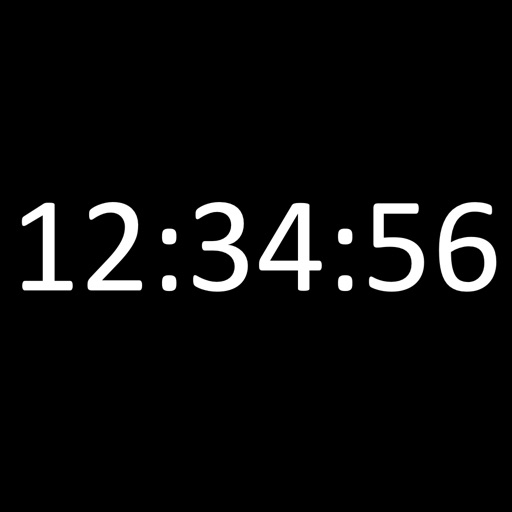
Displays the current time and date in large, readable text. Swipe up to access settings. Choose between 12-hour and 24-hour time format. Select date display options. Toggle visibility of the date and seconds.
Manage tasks with a that displays all to-dos, allows marking as complete by category, and enables quick launch for edits. Customize themes and position widgets on the home screen.
The app provides users the ability to set Lock Screen widgets and StandBy on their device. Multiple choices of screens are available for the user's iPhone display.
View with infinite vertical scrolling to navigate through dates without page breaks. Add events, set reminders, and sync across devices. Edit and delete events directly within the view.
Customize iPhone with widgets for time management and organization. Add clock, notes, calendar, countdown, battery, and other widgets. Set single or timed widgets to plan tasks and enhance desktop appearance.