Turn your iPhone or iPad into a functional watch with a always-on . Adjust brightness manually. Set countdown timers up to 24 hours. Use Pomodoro Technique with 25-minute intervals and 5 or 10-minute breaks.
by Vladislav Kovalyov★ 4.5146 ratingsUtilitiesFreeData updated 2026-09-19
Set alarms with custom recordings or uploaded audio. Choose from multiple languages for announcements. Adjust volume and schedule recurring alerts. Play pre-recorded messages or background sounds for focus during tasks.
Set with customizable music or nature sounds. View weather forecast and current conditions. Use flip or designer themes for time display. Activate built-in flashlight for lighting. Adjust brightness and set mode with soft sounds.
Displays time in a full-screen font that covers the entire screen. Allows setting brightness and contrast via finger swiping. Supports any screen orientation. Designed for users with poor eyesight.
Control analog styles with screen swipes. Toggle date and second display. Set reminders or notifications. Adjust brightness for optimal visibility. Minimize power usage for extended battery life.
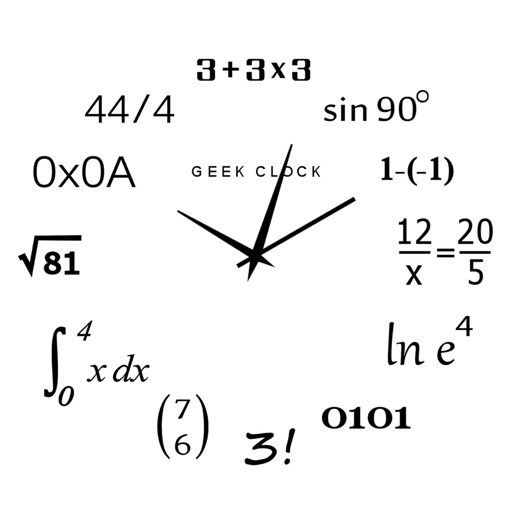
Display time using math problems instead of numerals. Switch between horizontal and vertical layouts. Toggle day and night themes. View animated quotes related to culture. Solve equations to reveal time.
Display large time in customizable formats with adjustable font size and color. Set alarms and timers. Switch between 12-hour and 24-hour modes. Sync with system time and adjust brightness for different lighting conditions.
Set alarms with customizable themes and sounds. Track time with minimalist design and delicate animations. Use as a charging screen saver. Improve focus with calming visuals and .
Track time with a retro face. Set alarms and timers. Adjust for 12-hour or 24-hour format. Customize watch faces with vintage designs. Sync with smart devices for notifications.
Display a with customizable colors and fonts. Toggle between 12-hour and 24-hour formats. Show seconds and date. Switch between dark and light modes. Rotate in landscape or portrait orientation.
Count down to upcoming events with a large display of remaining days. View a circular clock face showing time left. Swipe between and choose animation styles. Set and manage multiple with customizable styles.
Dali Clock displays time with morphing digits that change shape when updated. Tap to show the date. Double-tap to switch between 12-hour and 24-hour formats. Swipe or pinch to adjust the number of digits displayed.
The app helps service industry workers track tips, hours, and earnings. It allows users to log tips, track work times, and view income summaries on a dashboard.
The app offers a simple and intuitive interface for setting alarms by moving the alarm hand. Users can choose from 8 built-in alarm sounds or play music from their library, with alarms functioning even when the app is in the background.