Create and edit drawings with brush, blur, eraser, fill, pen, pixels, procedural, select, smudge, text, and vector tools. Work with hundreds of layers. Participate in daily drawing challenges, competitions, and collaborative co-ops.
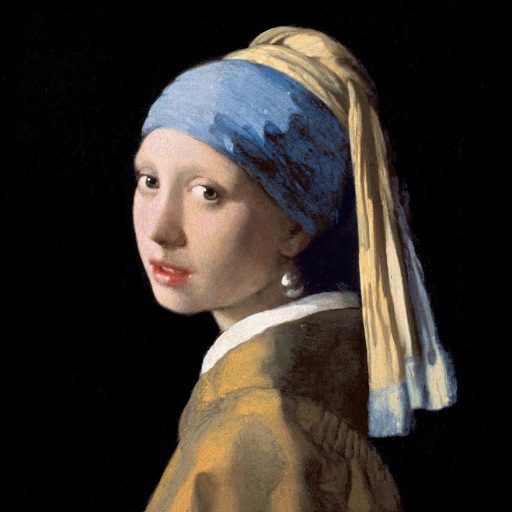
Color the art versions of famous paintings. Choose from a weekly updated collection of artworks. Remove ads and unlock unlimited through the Amuse Museum Club. Save and share completed drawings.
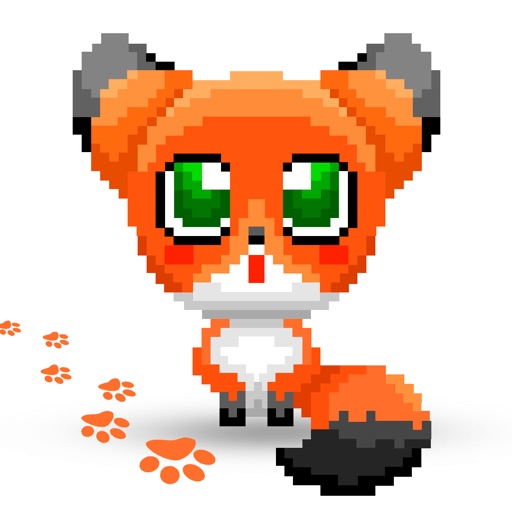
Create pixel art using a grid-based drawing interface. Draw with customizable colors and brush sizes. Share artwork directly to social media or the in- community. View and comment on other users' pixel art.
Allows users to draw and explore with infinite scroll and . Create digital artwork using Apple Pencil support. Adjust brush settings for precision. Save and export drawings in various formats. Collaborate in real-time with others.
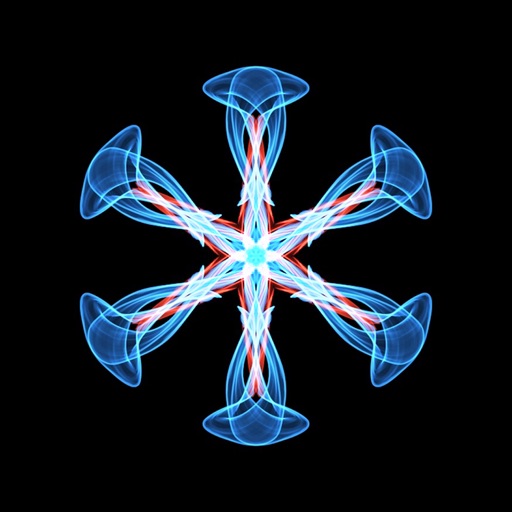
Create flowing art with a magic brush that responds to finger or Apple Pencil input. Draw mandalas and wallpapers by swiping to blend strands. Save and share artwork. Supports 3D touch and Apple Pencil for enhanced drawing experience.
Access -themed pages and drawings. Create and customize artwork with easy-to-use tools. Share finished drawings via the . Includes a pixel art workshop for detailed designs.
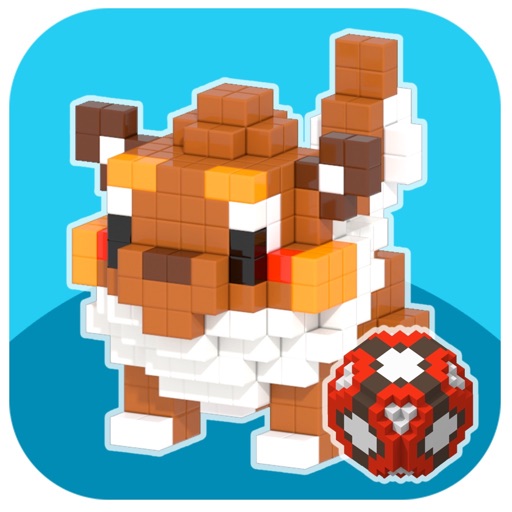
Find and catch creatures by walking in neighborhoods. Vibrate alerts when animals are nearby. Throw Craft Balls to capture them. Search for specific animals near water sources or at cultural landmarks.
Create and edit pixel art with layers, filters, and animation tools. Adjust opacity and blend modes for complex compositions. Use high zoom levels for detailed work. Access color palettes and edit sprites for retro game design.