The app offers a collection of effects including Black & White, Sepia, Ocean, Burn, Invert, and Flip. It supports processing existing photos from the iPhone Photo Album and saves them at full resolution.
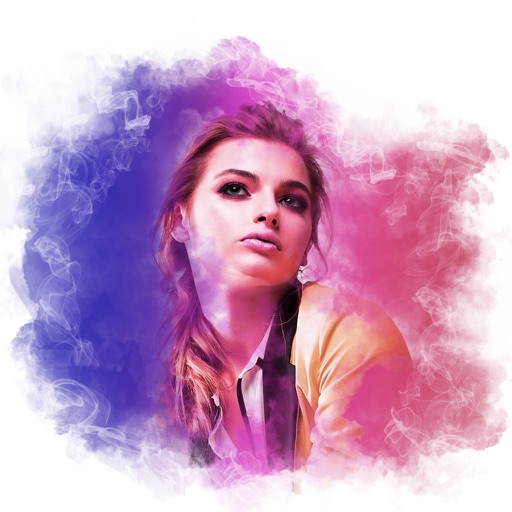
Edit photos with blur background settings, shattering effects, and color frames. Add overlays and crop, rotate, or flip images. Import from gallery or camera, and share edited photos to social media.
The app converts photos to grayscale while allowing users to selectively recolor portions of the image. Users can paint, zoom, and erase to create unique color splash effects and share their creations.
The app offers a powerful, beautiful, and simple pixel editing experience for professionals, hobbyists, and newcomers. It features a clean interface, responsive drawing, unlimited undo, and a robust toolset for creating pixel art.
The app records video from webcams, recording devices, or screens. Users can adjust color settings, resolution, size, frame rate, and output settings for streaming video.
Create from photos or images. Add text to make . Customize with images, text, and other . Browse and organize in one view. Move between packs. Export sticker packs to files. Import previously exported sticker packs. Share with contacts.
The app manages photos with 12 functions, including camera integration and a photo album. Users can apply 47 photo effects and 34 filter effects to selected images.
Edit photos with one-tap tools including Gaussian, zoom, and motion . Adjust brush size and apply glass, crystalize, or pixel effects. Save edits in low or high resolution to camera roll.