Create and customize beats with a wide range of preloaded sounds and effects. Build loops and sequences intuitively. Export tracks in various audio formats. Share creations directly to social media or music platforms.
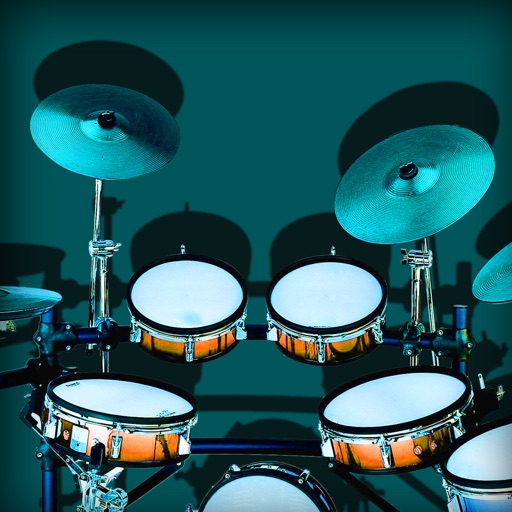
Turn your iPhone or iPad into a with realistic sounds. Create and edit rhythms in edit mode or set patterns for each component. Combine acoustic samples with customizable beats. Share or save custom rhythms.
Create evolving melodies and patterns using polyrhythms. nd control up to 8 sounds simultaneously. Store 16 project configurations. Use a sampler with envelopes, filters, loop crossfading, LFO, and more.
A virtual-analog synthesizer with circuit-modeling engine. Users can create and edit patches, adjust oscillator settings, and apply filters. Modulation effects include LFOs and envelopes. Export audio files and control parameters via MIDI.
Create and customize beats using and studio-quality samples. Access free monthly sound packs and watch tutorials to learn beatmaking. Record tracks, share them via social media with a hashtag, and apply effects to enhance sound quality.
Create and edit music using sample-based composition. Import sounds via AirDrop or Files, or record with microphone or iOS interface. Play sounds on drum pads or keyboard. Apply effects and edit audio.
Create and edit music sequences with 16 tracks and 1/32 step resolution. Adjust timing with elastic features and polyrhythms. Sync with -compatible synths and drum apps for live performance and composition.
Create sequences by tapping on sound samples like Snare, Hi-Hat, and Clap. Adjust tempo (bpm) to control speed. Build sound patterns by arranging samples in a grid. Save and export created sequences.
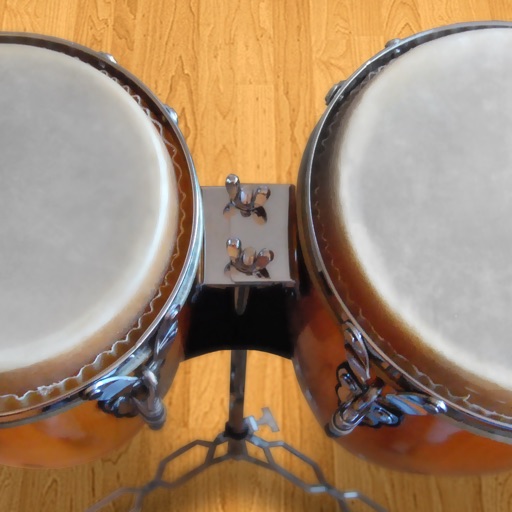
Play conga drums with 18 professionally recorded and mastered sound samples. Include cowbell and sticks for additional percussion. Adjust playing with no latency. Optimized for iPhone and iPad speakers and headphones.