FP performs basic arithmetic, currency conversions, and unit conversions. Users can switch between dark and light modes. Split-screen mode is available on iPad.
Calculator displays calculation history and includes a Today Extension for quick access via swiping down. Supports 3D Touch for fast interactions. Numbers are formatted according to user's country settings.
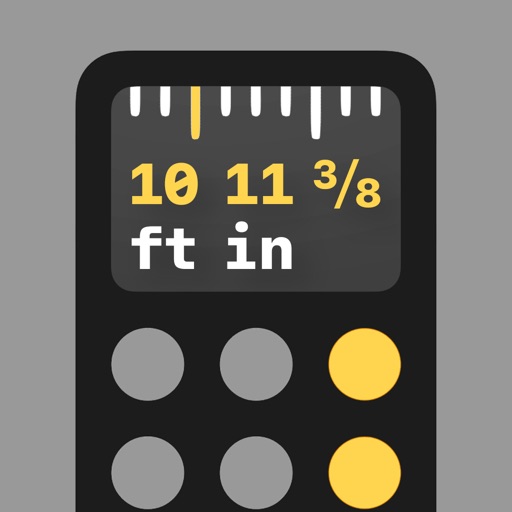
Perform calculations with math functions and trigonometry. Switch between units like feet, inches, yards, and metric. Visualize measurements and fractions. Track projects with customizable templates. Export results in various formats.
Perform basic and scientific calculations with equation display and history tracking. Switch between binary, octal, decimal, and hexadecimal modes. Calculate fractions directly. Use widget for quick computations.
A and unit/currency with a clean interface. Convert between 500+ units across 29 categories and 161 currencies. Customize colors and display selected units. Enter values to instantly convert between units.
Calculate cooling requirements for based on temperature and humidity targets. Input facility size and regional climate . Estimate airflow and cooling capacity needs. Generate reports for system selection and maintenance planning.
Calculate taxes with a dedicated tax button and grand total function. Display equations and results simultaneously on a double line interface. Round to two decimal places and correct mistakes easily. Email or copy tape entries for record keeping.
Edit formulas, check calculations, reuse past entries
Enter and edit mathematical formulas with real-time validation to prevent errors. Reuse past formulas to adjust values quickly. Navigate expressions using a cursor or arrow keys. Swipe to switch between calculation modes and view results instantly.
Calculation allows users to perform scientific computations with trigonometric and inverse trigonometric functions. Users can toggle between degree and radian modes. Expressions and results can be copied with a double tap.
Perform percentage calculations for tax and discounts. Execute constant calculations with Casio-style formatting. Handle exponentiation and advanced mathematical functions. Store and recall previous results. Switch between basic and scientific modes.
Plan tile layouts by inputting dimensions and selecting tile sizes. Drag and rearrange tiles to optimize placement. View dimensions of cut tiles and calculate total and cut tile counts. Export layout for reference.