Apps Like PDF Scanner・Document Scanner・ for iPhone and iPad
And manage documents anytime
And save documents as PDF or JPEG. Organize files into folders. Attach multiple scans together. Share documents via email or messaging. Edit scanned pages and add notes. View history and manage storage.
by PROTOOLS LLP★ 4.52,104 ratingsBusinessFreeData updated 2026-09-18
Scan documents, receipts, whiteboards, and business cards by capturing images. Convert scans to searchable text using OCR. Edit, annotate, and sign files. Organize and crop scanned content. Export in multiple formats and share directly.
Convert physical to clean, professional PDFs. Automatically crop and correct perspective, shadows, and distortions. Save scans in high-quality formats and share digitally.
Scan documents using camera or file import. Edit PDFs with text extraction and formatting tools. Convert files to PDF or image formats. Share scanned documents via email or cloud services. Apply OCR to extract text from images.
The app transforms devices into portable scanners for receipts, notes, and multipage documents. Scanned documents are saved as PDFs and can be emailed or printed.
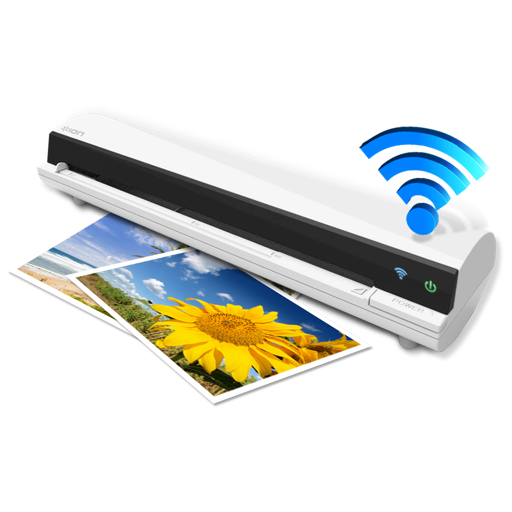
The app works with the ION Air Copy hardware, a portable Wi-Fi scanner. It scans photos, receipts, business cards, notes, and documents up to US Legal size directly to a Mac, then shares them via email or social networking.
Convert physical documents to PDFs by scanning with your phone's camera. Edit scanned files with intuitive tools, add signatures, and share documents directly. Manage and organize digital files within the .
Scan documents, receipts, and notes using the camera. Auto-detect document edges for clean scans. Enhance image quality with Original, Enhance, or Grayscale modes. Save and share scans directly. Organize files into folders and view thumbnails.
Scan documents, receipts, or notes into high-quality PDFs using the camera. images or documents into PDFs with simple taps. Edit PDFs by adding, removing, or rearranging pages. Sign and annotate documents directly.
Documents, convert to PDF, and save or share files. Edit text, add annotations, and view PDFs. Supports receipts, business cards, photos, and more. Includes a PDF reader and document organizer.
Convert paper documents to digital PDFs by scanning with your iPhone. Crop and rotate scans automatically. Save, print, email, or share documents. Manage receipts, forms, and photos in one place. Sign and annotate scanned files.
The app scans various barcodes including boarding passes, payment slips, and retail tags. It supports Code 39, Code 128, EAN 8, EAN 13, ITF, PDF417, QR code, UPC A, and UPC E.
The app transforms mobile devices into portable scanners for documents, receipts, and notes. It processes images to enhance readability and allows saving or sharing scans as PDFs.
Perform OCR on scanned documents to extract and edit text. Save recognized text for copying or storing. Email documents as PDF with text, single page image, or both. Scan letter-size or A4 pages for accurate results.
The app transforms an iPhone into a document scanner. It offers one-touch scanning with automatic edge detection, cropping, and perspective correction for excellent output.