Apps Like Background Remover & Changer for iPhone and iPad
Remove and replace with new ones
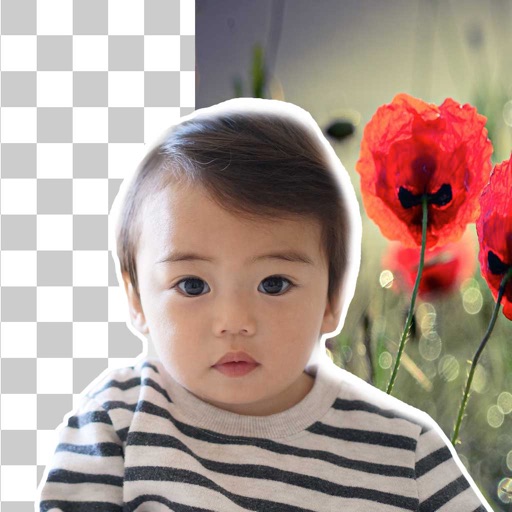
Remove backgrounds from photos using brush tools with adjustable size and hardness. Erase selected areas with undo and redo options. Add text with customizable font and formatting. Place edited photos on various templates.
by Rachida Benhassi★ 5.01 ratingsPhoto & VideoFreeData updated 2026-09-18
Backgrounds from images and videos using AI and chroma key technology. Erase or restore details manually with pro tools. Edit social media profile pics, GIFs, and memes by removing backgrounds. Export edited content for online stores or sharing.
Edit photos by typing descriptions to change outfits, body features, or backgrounds. Adjust specific image parts with AI. Swap objects and modify appearances. Export edited images directly.
Remove backgrounds and unwanted objects from photos and videos using AI. Tap to remove backgrounds, swipe to erase objects. Edit media quickly with precision. Export edited content directly.
Remove backgrounds from product photos using AI. Retouch images with one tap. Change backgrounds automatically based on product type. Export edited photos for online marketplaces. Adjust colors and brightness for professional results.
Edit photos to create formats without cropping. Add blurred backgrounds to full-size images. Resize, rotate, and adjust photos. Save in high quality and share directly.
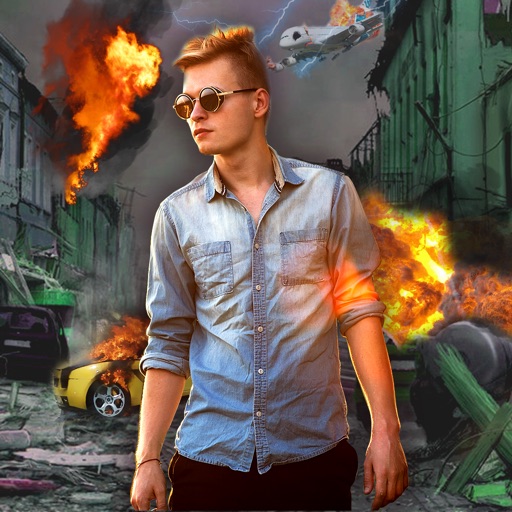
Edit photos with -themed effects like explosions, bomb blasts, and action stickers. Apply customizable FX frames and VFX filters. Decorate images to resemble posters. Share edited photos directly.
Edit photos with cropping, resizing, and removal tools. Apply filters, adjust colors, and add text overlays. Export images in various formats and share directly to social media or online stores.
The app allows users to crop photos into a square shape for posting on Instagram. It supports both landscape and portrait orientations and offers various background options and effects.
Backgrounds and unwanted objects from photos using AI-powered tools. Edit and arrange images, then save as PNG, JPG, or WebP. Share directly or export in high-resolution formats. No watermarks in free version.
Create 3D drawings using finger gestures without glasses. Design custom 3D brushes. Choose from 8 background patterns or generate them from photos. Adjust brush settings based on pressure for 3D Touch devices.
Create animations with drawing tools, color options, and frame management. Import images or draw directly. Export and share animations on Cineverse. View progress and refine frames for detailed editing.
Personalize with featuring photos, date/time, and alarm countdowns. Add and customize images with intervals and blur effects. Edit and arrange photos, set widget backgrounds via camera, and adjust fonts and colors.
Remove people or objects from photos by selecting and erasing them. Eliminate from images with precise tools. Uncrop photos to expand the frame. Change backgrounds by removing the existing one and applying a new one.