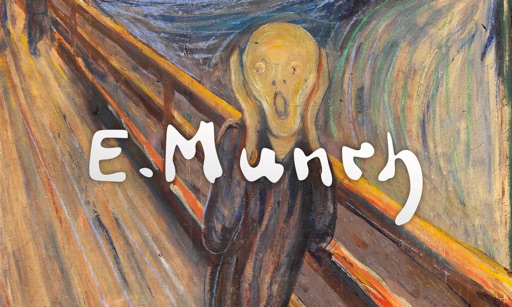
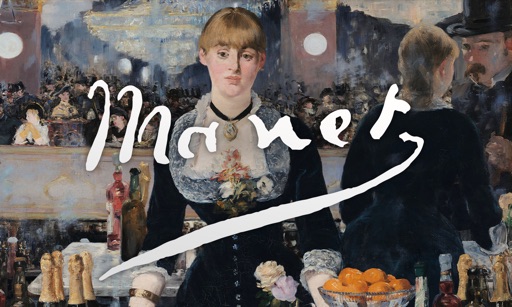
View art pieces with a gentle zoom and random transitions between renowned artworks. Set display times to 20, 30, or 60 seconds. Swipe to advance to the next piece. A clock moves from left to right at the bottom of the screen and can be toggled off.
View full-screen art pieces with automatic transitions between iconic artworks. Set display durations to 20, 30, or 60 seconds. Swipe to advance to the next piece. A clock moves from left to right at the bottom of the screen.
Play a side-scrolling action game where a ninja navigates levels filled with traps and obstacles. Use buttons to run, jump, and pause. Resume from previous points or return to the main menu. Progress through increasingly challenging levels.
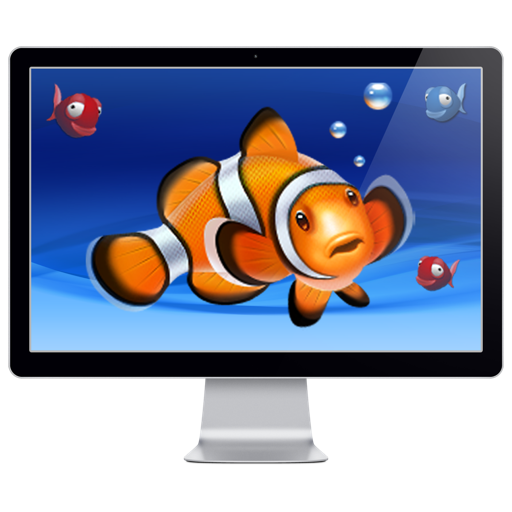
The app transforms a device's screen into an aquarium with various fish like sharks and clownfish. It offers optional sounds, clock overlays, and looped playback with smooth transitions.
The app turns the user's screen into an aquarium with HD videos of various fish. Users can run scenes manually or as a screensaver with optional clock overlays and sounds.