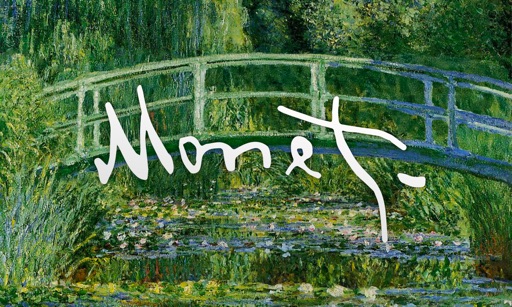
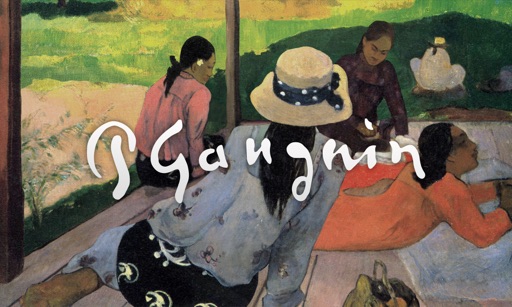
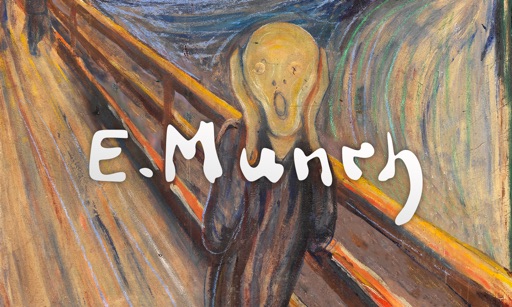
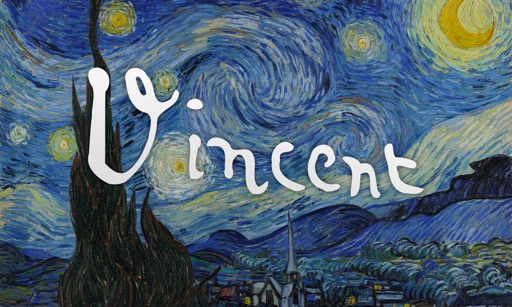
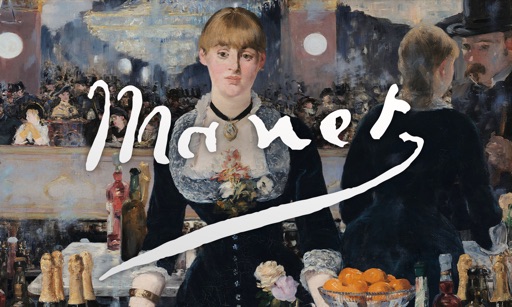
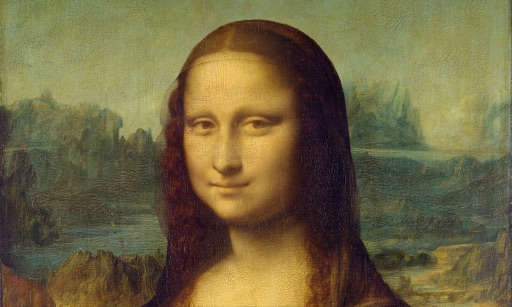
View full-screen art pieces with automatic transitions between iconic artworks. Set display durations to 20, 30, or 60 seconds. Swipe to advance to the next piece. A clock moves from left to right at the bottom of the screen.
by Cacod Studios★ 0.00 ratingsLifestyle$0.99Data updated 2026-09-06
View art pieces with a gentle zoom and random transitions between renowned artworks. Set display times to 20, 30, or 60 seconds. Swipe to advance to the next piece. A clock moves from left to right at the bottom of the screen and can be toggled off.
And create art with a variety of pre-designed images including mandalas, animals, and flowers. Build a garden, earn rewards, and access daily updated coloring pages. Share finished artwork and customize palettes.
Solve puzzles by assembling pieces into a drawing. Watch the painting animate as it completes. Choose from themed puzzles with detailed artwork. Customize colors and brush styles. Save progress and revisit puzzles later.
Create and customize digital coloring pages with numbered guides. Select from floral, mandala, and animal designs. Paint using touch or stylus input. Generate time-lapse videos of completed artwork. Save and share finished projects.
Create digital artworks from text prompts by selecting an art style. Users can input descriptions, choose from various styles like Cubist or Dali, and generate images instantly.
Control Roku TV remotely via Wi-Fi. Automatically detect TV in the network. Navigate menus and content using a large touchpad. Launch channels directly from the . No complex settings or button piles.
Set home and lock screen with wallpapers. Choose from HD, 4K, and backgrounds inspired by popular genres. Customize wallpapers to match preferred styles and moods. Apply wallpapers directly to device screens.
Color pieces to complete a black-and-white image. Match puzzle fragments to the correct spots. Choose from unique artwork to color. Add colors to bring the picture to life. Save completed artwork for later.
Create artwork using vibrant neon colors and glowing brushes. Draw on a large canvas with sketch tools. Adjust effects and export designs in various formats.