

Apps Like Pocket Laser Level for iPhone and iPad
Surfaces with precision
Provides leveling tools with pointer, 3-mode spirit , and clinometer. Measure vertical angles and determine horizontal planes. Use sensors, camera, and augmented reality for precise alignment.
Pocket Laser Level screenshots
Ranked alternatives
Showing 21–40 of 1,000 ranked alternatives.

TiltMeter
Carlos Hernandez
Measure angles with precision
Measure angles of elevation, slope, and incline using device motion. Determine roll angles for vehicles and aircraft. Calculate roof pitch and antenna look angles. Align pictures and measure tape or chain slopes.
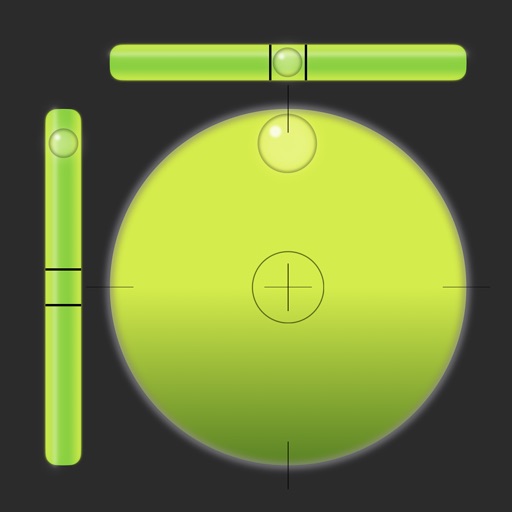
Bubble Level - Spirit Tool
Andy Sutanto
Surfaces with precision and accuracy
Allows users to check horizontal and vertical alignment. Features include circle mode for simultaneous angle measurement, vertical mode for ensuring surfaces are straight, horizontal mode for flat surfaces, and mix mode combining all functions.

Ruler AR - Measuring Tape Cam
Vladislav Kovalski
Length and height
Length and height using your phone's as a or . Detect surroundings with AR technology. Use the level tool for precise measurements. Place aiming mark on object for accurate readings.

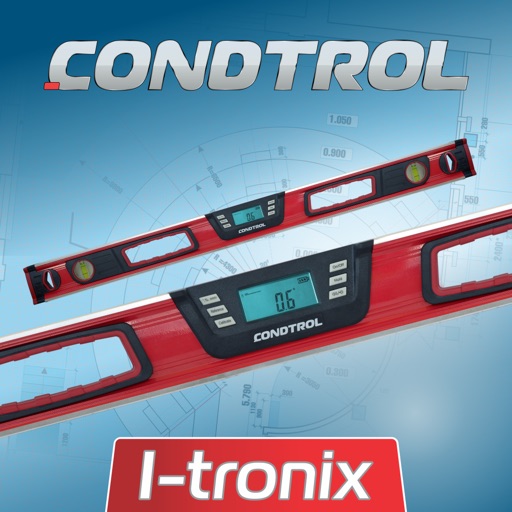
I-Tronix CONDTROL
Condtrol Company Limited
Measure angles and slopes easily.
The app measures angles and inclinations for various applications. It can be used for home decoration, car inclination checks, and measuring slopes of roofs, stairs, floors, or roads.

Digipas Smart Levels
JSB TECH Pte Ltd
Sync , measure, and control remotely
Measure angles and level machines using Bluetooth connectivity. Perform 2-axis simultaneous levelling and 2D alignment. View 360-degree bubble for precise adjustments. Sync with Cube for real-time feedback.


Spirit Level Plus
Tue Nguyen Minh
Measure angles, slopes, and surfaces
Measures angles and slopes using the iPhone's sensors. Calibrate by placing the phone on a flat surface and pressing the button. Use for carpentry, home decoration, and other tasks requiring precise leveling.

Level - Spirit level
Dominic Rodemer
Measure surfaces with precision easily.
The app provides horizontal, vertical, and inclined surface measurements. It includes a calibrating function for precise measurements.

Tape Measure™
Level Labs, LLC
Measure, level, and plan with AR tools
Measure distances, heights, and angles using AR measure, ruler, and level tools. Create floor plans and calculate areas. Take screenshots, use flashlight, and chain measurements. Switch between imperial and metric units.

Tape Measure・Ruler & Level
Approsta LTD
Measure distances, heights, and areas with AR
Measure distances, heights, and areas using AR and LiDAR technology. Tap to place markers and view real-time measurements. Sync with Apple Health to track progress. Share measurements via email or messaging.

HD Level ⊜
Christophe Pereira
Surfaces with precision measurements
Measure surfaces for levelness using a digital bubble . Detect tilt angles and adjust objects accordingly. Save calibration settings and share measurements via email or messaging.

Angle Finder: Level Tool
OneRack
Measure angles, check flatness, take real-size measurements
Measure angles with real-time sensor precision. Check surface flatness in horizontal and vertical orientations. Use an on-screen ruler for real-size measurements. Support both metric and imperial units.

Level Tool Pro
Nuno Lopes
Measure surfaces and track inclination
Measure angles and levels with a bubble and digital inclinometer. Use 360-degree mode for versatile angle measurement. Check tilt and orientation for precise alignment tasks. Share measurements and save data for future reference.
mini Bubble Level
Mert TUZER
Measure angles, set points, get feedback
Measure horizontal and vertical angles with precision. Set reference points and receive haptic feedback for alignment. Mark reference points and adjust settings for accurate measurements.
Bubble Level Tool - Digital
Rihab Mehboob
Measure angles, reset, and lock orientation
Measure device angle with a . Tilt the device to see current angle. Reset and lock the angle manually. Switch between portrait, landscape, and surface modes.

How we rank alternatives
Apps are ranked by functional similarity, category fit, rating confidence, and popularity.