Share photos across multiple devices with real-time synchronization. Control the slideshow from one device while others view it on their iPhones. Navigate through images, pause, and resume playback. Adjust brightness and contrast for optimal viewing.
by Cyan, Inc★ 5.015 ratingsPhoto & VideoFreeData updated 2026-09-18
Share photos, videos, and stories of pets. Connect with other pet owners through community forums. Participate in competitions and challenges. Find adoption opportunities and support animal shelters.
Edit photos with local area image processing to correct dark or overexposed regions. exposure, contrast, and color balance. Apply saturation and clarity controls. Save edits in original or adjusted formats.
Split large rectangular or panoramas into square tiles for Instagram. Upload individual tiles to create a cohesive image. Adjust scaling and layout options for detailed viewing. Share combined images directly from the .
Create collages by freely moving, scaling, and rotating photos. Arrange images without grids, templates, or filters. Add text and stickers manually. Export and share finished collages directly.
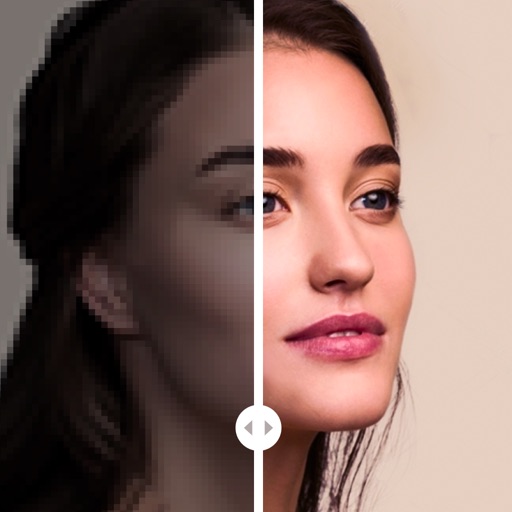
The app offers 17 tools for adjusting image quality, including noise reduction and sharpening. Users can compare before and after images by long pressing.
Edit photos with filters, cropping, and brightness adjustments. Add text, stickers, and borders. Export in various formats and share directly. Adjust colors and apply effects for enhanced visuals. Simplify editing with an intuitive interface.
Allows users to view their reflection with customizable settings. Tap the area to access menu options. Adjust screen brightness and zoom using seek bars. Enable or disable the bulb function for lighting control.