iPhone Screenshots


Description
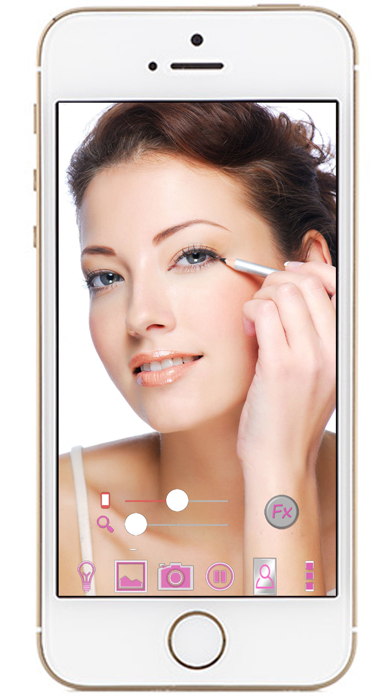
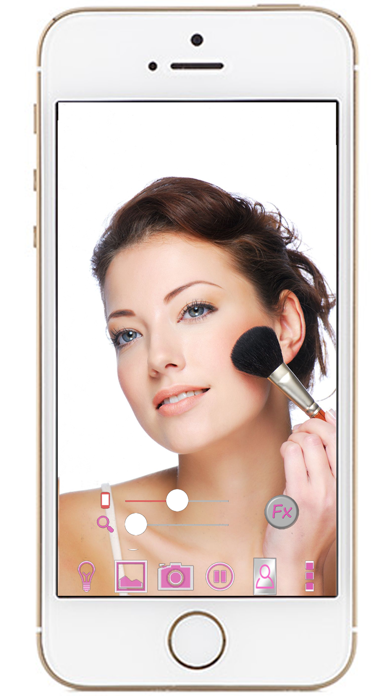
Allows users to view their reflection with customizable settings. Tap the area to access menu options. Adjust screen brightness and zoom using seek bars. Enable or disable the bulb function for lighting control.
Mirror + Selfie Camera (best mirror app for free)
Let your phone become a perfect smart mirror.
Handy!
Press mirror region to show/hide menu.
[Quick Mirror Camera Guideline]
When application start, it will hide all the menu. So it is really like a mirror.
You can use the following method to change other settings:
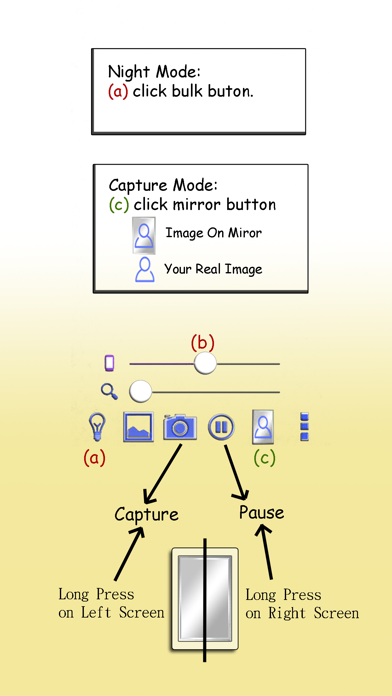
1. Press Mirror region to show/hide menu.
2. Drag the red seek bar to change screen brightness.
3. Drag the pink seek bar to let mirror zoom in/out.
4. Press bulb button enable/disable night mode.
5. Press mirror button to change capture mode. (Capture with "Image on Mirror" or "Your real Image")
6. Press the pause/resume button to pause/resume preview. (freeze image) Then double click the freeze image to let mirror zoom in/out. (Or use two fingers to let mirror zoom in/out)
7. Press the Fx button to enable hue effect. After enabled, you can swipe Up/Down to change hue or swipe Left/Down to change brightness.
8. Long press on left screen could camera capture. Long press on right screen could pause preview. (Good for use when full screen preview)
[Others]
1. You also can take a picture if you wish.
2. Night mode : Press the bulb button, use panel light at the edge of panel.