Share photos across multiple devices with real-time synchronization. Control the slideshow from one device while others view it on their iPhones. Navigate through images, pause, and resume playback. Adjust brightness and contrast for optimal viewing.
by Cyan, Inc★ 5.015 ratingsPhoto & VideoFreeData updated 2026-09-18
Organize photos by swiping left or right to delete or keep. Remove duplicates, blurry images, screenshots, and large videos. Compress files and find similar pictures. Free up space directly on the device.
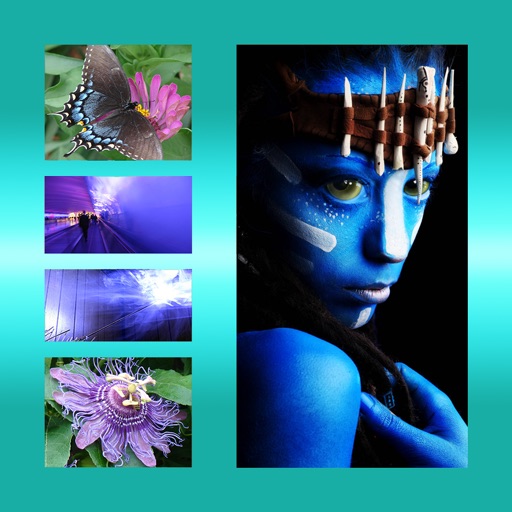
The app allows users to combine multiple photos into one framed picture. Users can adjust contrast, brightness, and saturation, add text, and apply effects.
Edit photos with one-tap tools including Gaussian, zoom, and motion . Adjust brush size and apply glass, crystalize, or pixel effects. Save edits in low or high resolution to camera roll.
Create New countdown videos using photos and music. Add holiday frames and stickers. Arrange images into slideshows. Edit videos with background music. Export and share finished videos.
The app allows users to import photos and apply exclusive preset after-effects. Users can add preset music or music from their library and share their creations on social media.
The app utilizes synced albums from the Photos app to transform an iPad or iPhone into a digital picture frame. Users can select albums or moments for display, with shared albums updating live.
Create video panoramas from photos. Split images into tiles in various aspect ratios. Post sliced photos as multi-post carousels on Instagram. Adjust tile count up to 5 or 9 for layouts. Support all popular Instagram formats.
Create social media graphics using pre-designed templates. Choose from layouts for collages, banners, invitations, business graphics, posters, quotes, and profile photos. Customize designs with text, images, and color adjustments.
The app creates unique photo compositions by combining two images from the user's camera roll. Users can also apply filters to existing photos for new visual results.
Create videos from photos with slide transitions like left, down, or fade. Adjust photo display time and add background music. Export and share the final video.
The app allows users to animate photos and messages, creating shareable video loops. New loops are added daily, and users can access additional content through an in-app subscription.