Create loop videos and GIFs from existing clips or new recordings. Adjust playback speed, apply filters, trim or crop footage, and add music. Share directly to social apps or save to your photo album.
Capture photos and videos using voice commands. Take a photo, start or stop video recording, reverse the , and enable or disable the flash. Voice recognition works offline on iOS 13 and higher. Configure custom phrases for commands.
Edit videos, stabilize shots, upscale quality, enhance
Edit videos with stabilization, 4K upscaling, frame rate enhancement, and AI-generated slow motion. Add transitions and effects. Export in various formats and share directly. Sync with cloud storage for backup and editing on multiple devices.
Edit videos with real-time filters and . Apply lenses like toonify, fire, Instagram, and vintage retro. Adjust colors and settings. Save and share edited videos.
Record videos with manual controls for exposure, shutter speed, ISO, white balance, focus, zoom, frame rate, quality, resolution, and aspect ratio. Save and share videos via iTunes, Airdrop, or other transfer methods.
Apply with customizable filters and color adjustments. Adjust details and styles using flexible algorithms. Import videos in MOV, MP4, M4V, HEVC, Apple ProRes, and AVI formats. Combine multiple filters to create original visual styles.
The app captures videos of slow-moving phenomena and plays them back in a compressed time format. Users can specify shooting intervals, shooting times, and video quality.
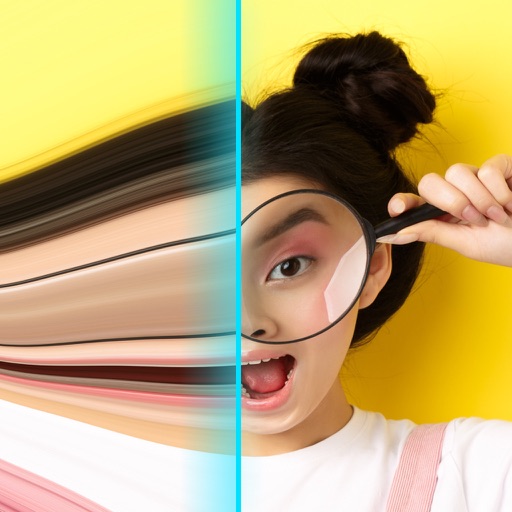
Record videos with - effects by capturing footage and adjusting scan speed, direction, and timer. Freeze or stretch specific parts of the frame to create surreal visuals. Share the edited videos directly from the .
The app records timelapse video in true HDR and 4K HD resolution. It uses patented HD/R technology for dynamic range expansion and multi-stage deflickering to avoid artifacts.