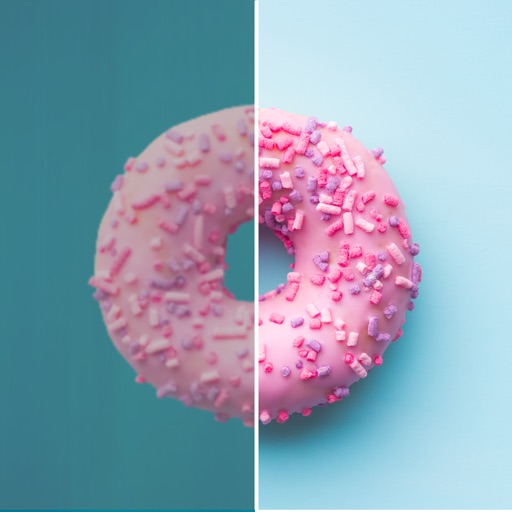
Edit photos by applying recommended background colors and color combinations. Adjust color schemes with two fingers. Blur backgrounds and select from multiple color options. Access photos from the album and make edits directly.
by NOTEGG Corp.★ 4.969 ratingsPhoto & VideoFreeData updated 2026-09-18
Edit photos with AI-powered retouching, facial enhancements, and background blur. Adjust lighting, color, and composition. Export in high-resolution formats and share directly.
Edit photos with film-inspired filters, adjust color and contrast, and apply grain effects. Tap to switch between different aesthetic styles. Save and share edited images directly.
Capture photos and videos with real-time filters applying effects during recording. Adjust filter position by tapping, swiping, or pinching. Edit videos with multiple filter styles ranging from funny to artistic. Share edited content directly.
Design kitchens with 3D modeling tools, select colors and materials, and calculate quantities. Edit standard modules according to your needs. Switch between millimeters and inches for measurements. Automatically adjust dimensions as you design.
Remove backgrounds from photos using AI technology. Replace backgrounds with photos from the library, captured images, or selected colors. Adjust settings for precise edits. Export edited images directly.
Customize Safari's new tab page with selected images, local photos, or colors. Enable web dark mode to reduce screen brightness. Adjust appearance settings for enhanced browsing experience.
Grisoft Yazilim ve Bilisim Hizmetleri Limited Sirketi
Edit photos, remove objects, adjust backgrounds
Edit photos with object removal, background erasing, and blur tools. Add stickers, neon lights, and colorful lines. Apply artistic effects and create black and white photos. Adjust backgrounds and highlight objects for professional results.
Edit photos to improve clarity and sharpness using AI technology. Remove blurriness and enhance image quality. Adjust brightness, contrast, and color. Save and share edited photos directly.
The app extracts colors from photos or camera snapshots to create palettes. It displays colors in HEX, RGB, HSL, and HSB, and allows users to copy codes or export palettes in various file formats for design projects.
Blur faces automatically using facial recognition. Add blur, solid color, or emoji to hide faces. Resize and reshape blur regions. Adjust color and effects. Share edited images to photo library and other apps.
And enhance old or low-quality photos using AI restoration. Fix blur, improve sharpness, and recover lost details with one tap. Colorize black-and-white photos with realistic color application. Upscale images for better clarity.
Create and customize with photo uploads, font editing, and color scheme customization. Add photos to , adjust fonts, and apply custom color schemes. Access all features without ads through subscription options.
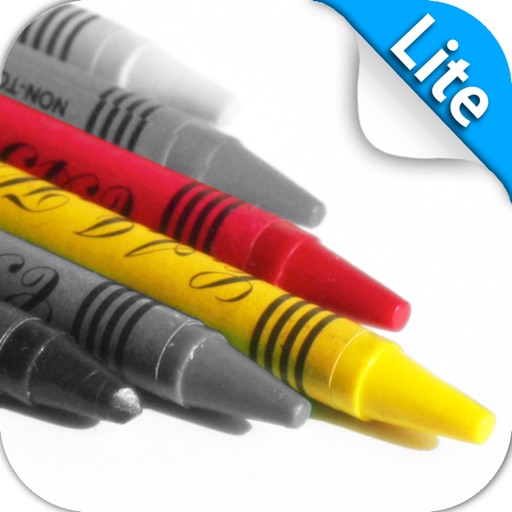
Edit photos to create intense or soft atmospheres with adjustable settings. Select specific areas for coloring. Use zooming, brush size, and style tools for detailed modifications. Import photos from iPhone/iPod photo album.
Edit photos with AI-powered enhancement, colorization, and object removal. Adjust lighting, sharpen details, and correct imions. Apply filters and restore old photos. Export edited images in various formats.
Edit photos with instant AI background removal. Access video tutorials from stylists. Choose from new backgrounds for social media, menus, or delivery. Adjust settings for professional results. Share edited images directly.
Add to photos with customizable fonts and styles. Choose from 250+ fonts and 200+ templates. Include layers for , images, shapes, and stickers. Access a variety of stickers, icons, and quotes. Apply single color or gradient color palettes.
Apply color filters, adjust hues, and invert colors for editing. Add comic book effects, create monochrome tones, and map colors using custom gradients. Export edited images directly.