Apps Like Background Eraser & Changer for iPhone and iPad
Remove with freehand cut tool
Remove from photos using a freehand cut tool. Select images and create multiple cutouts. Edit cutout details for precise results. Use cutouts as stickers or stamps on other photos. Move, zoom, and rotate cutouts for flexible editing.
by Kevin Ghori★ 1.01 ratingsPhoto & VideoFreeData updated 2026-09-18
Remove unwanted backgrounds and create precise photo cutouts using the Pen Selection Tool. Edit images with advanced selection features. Export edited photos in high quality. Sync with desktop software for professional workflows.
Edit videos with trimming, splitting, and cutting tools. Add transitions, text, and stickers. Apply filters and effects. Export in high quality. Share directly to social media platforms.
Remove unwanted objects from photos by deleting people, logos, watermarks, or text. Use intelligent fill to replace removed areas with appropriate background textures. Edit images directly in the and save the modified versions.
Create collages by dragging and dropping cutouts from the photo library. Use smart cutout for quick image selection or long-press to manually cut photos. Edit collages with unlimited drag and drop functionality.
Remove objects, people, or distractions from photos using AI technology. Edit images to clean up backgrounds or eliminate unwanted elements. Save and share edited photos directly.
Create custom stickers from photos or images. Crop selected areas, apply templates, and send directly to WhatsApp, iMessage, Telegram, or Signal. Share personalized memes and messages with friends.
Allows users to or unblur specific areas of a . Apply Gaussian, Zoom, or Motion effects. Use Mosaic effects like Pixel, Crystalize, Dots, or Glass. Zoom and rotate for detailed editing.
Edit photos by selecting, cutting, copying, and pasting elements like faces or objects. Automatically remove backgrounds and add text overlays. Apply effects, save edits, and share photos directly.
Edit photos and videos with transitions, special effects, text animations, and filters. Sync content to trending music. Use pre-made templates. Share directly to TikTok, Instagram, Snapchat, and YouTube.
Edit photos by cutting and pasting faces, removing backgrounds, and deleting unwanted people. Add missing faces to photos. Use the silhouette head tool to select and edit elements. Export edited images directly.
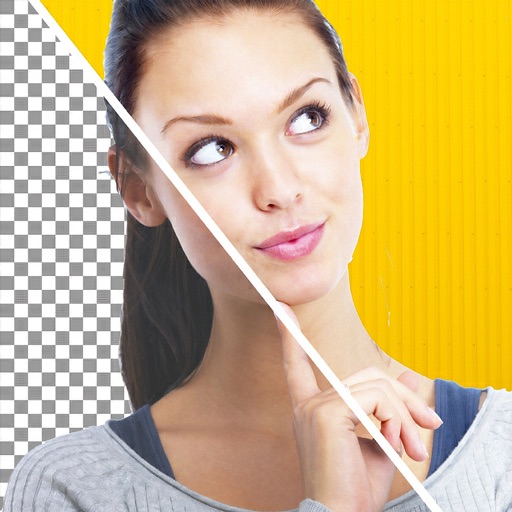
Remove backgrounds from photos using automatic eraser with machine learning. Identify and isolate people, animals, vehicles, and objects. Erase single-color backgrounds for chroma key effects. Manually adjust erased areas for precision.
Create photo books by selecting photos from iPhone, iPad, iCloud, Google Photos, Facebook, or Instagram. Choose from suggested albums or manually select images. The designs layouts in seconds using a smart algorithm.
Remove backgrounds and unwanted objects from photos and videos using AI. Tap to remove backgrounds, swipe to erase objects. Edit media quickly with precision. Export edited content directly.
The app allows users to place their photos on various mockups like billboards and magazine covers. Users can select a template, add a photo, and adjust its size, zoom, and rotation.